







































Turn web & store visitors into loyal customers

Run WhatsApp broadcast campaigns, recover abandoned carts, offer customer support and send order status alerts using QuickReply.ai.

Rated 4.9 on G2 and Shopify App Store

Powering 1500+ businesses across 29 countries

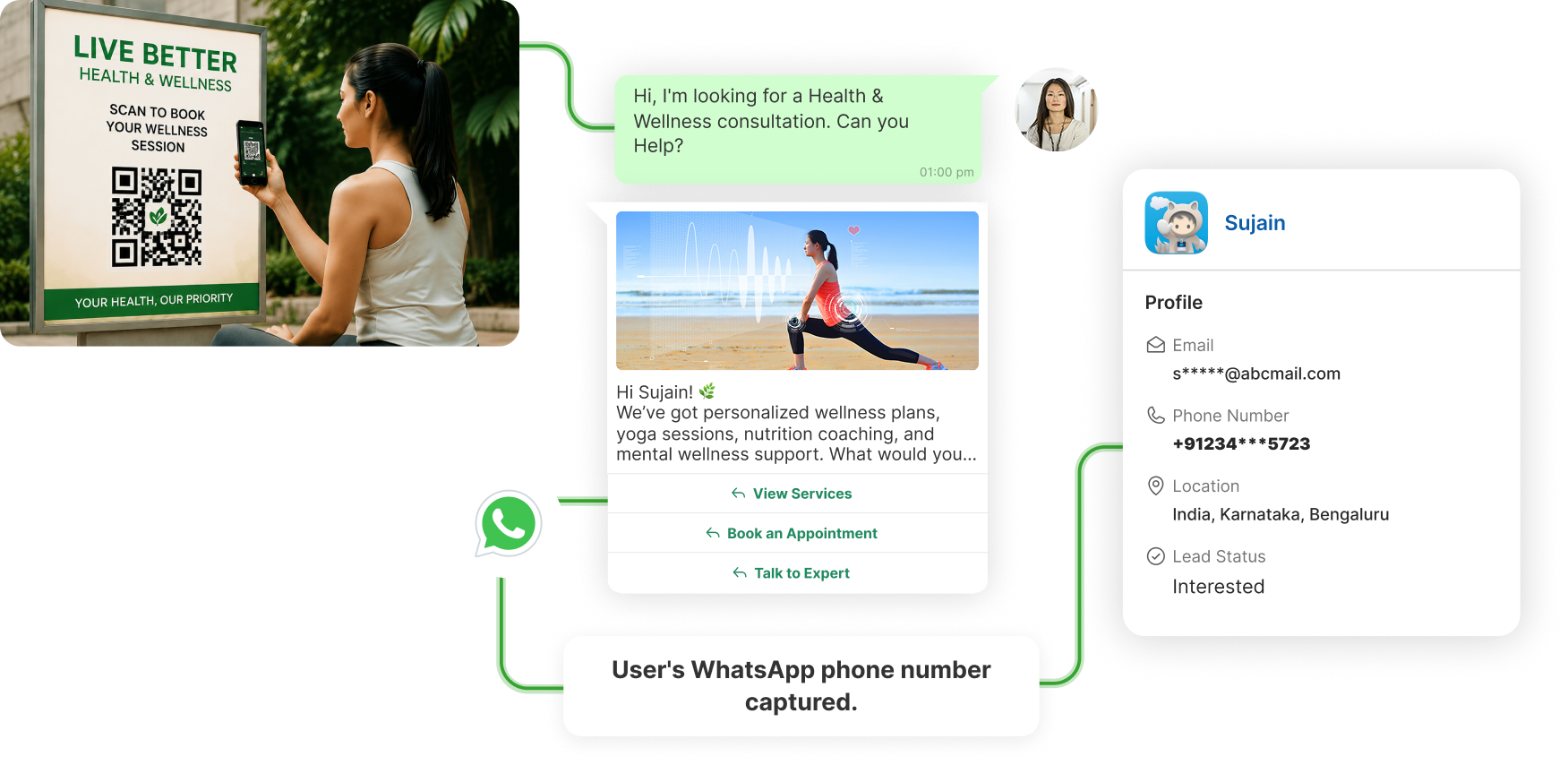
Build your customer list everyday, with just one QR code.

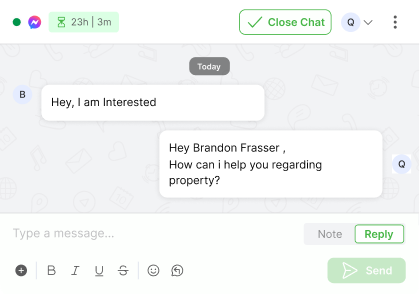
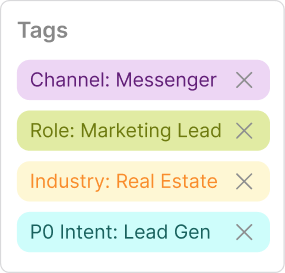
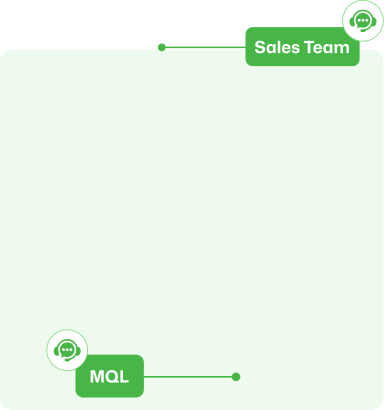
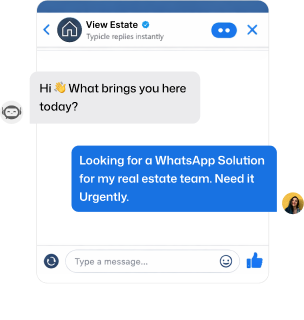
Structure every Messenger lead from first click

Handle FAQs & share recommendations

  • 24/7 auto-reply to "Are you open?", "Do you do home visits?", or "What's your fee?"
  • Share your services catalogue and health packages directly inside WhatsApp
  • Suggest personalised programs based on a client's past consultations and goals

Fill your calendar with appointment bookings 

  • Clients book a session with a single "Book Now", no calls or forms
  • Available slots are shared and confirmations sent automatically
  • Cut no-shows with timely reminders, prep instructions, and clinic location

Launch new services and offers to your entire client list

  • Broadcast new wellness packages, health camps, or seasonal programs to all clients at once
  • Add one-tap buttons like "Reserve a Spot", "View Program", "Claim Offer"
  • Target the right clients with personalised offers based on their health history and past visits

Keep clients informed from dispatch to doorstep

  • Alert clients the moment their supplements or health products ship, without manual follow-up
  • Send post-consultation care plans and follow-up instructions right after each appointment
  • Let clients choose a delivery or pickup slot via WhatsApp
  • Auto-send dosage reminders, usage guides, and wellness tips

Collect reviews automatically and keep clients coming back

  • A "How are you feeling?" check-in goes out automatically a week post-consultation
  • Remind clients when their next check-up or follow-up is due
  • Drive referrals with automated incentives like "Bring a friend, get a free session"

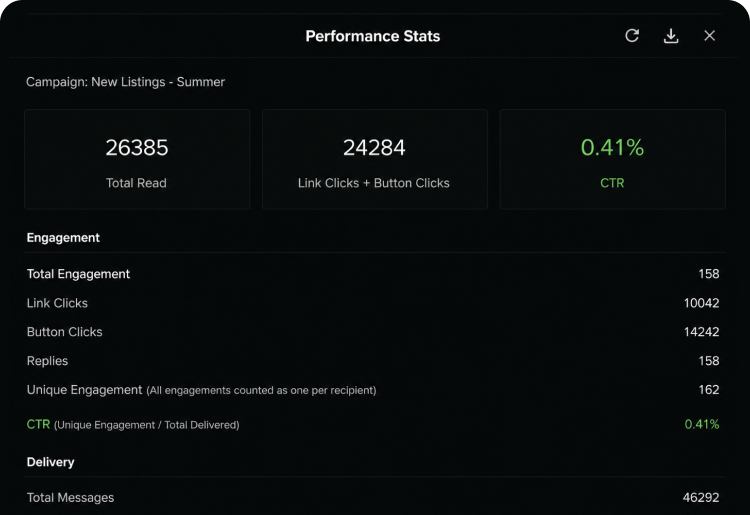
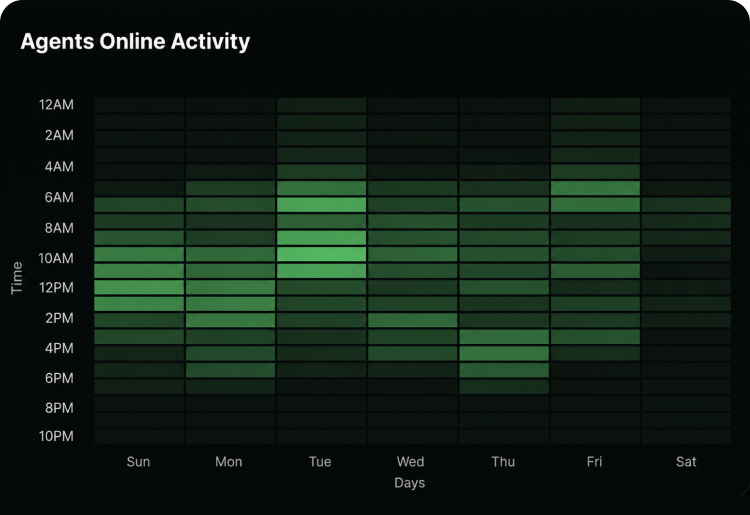
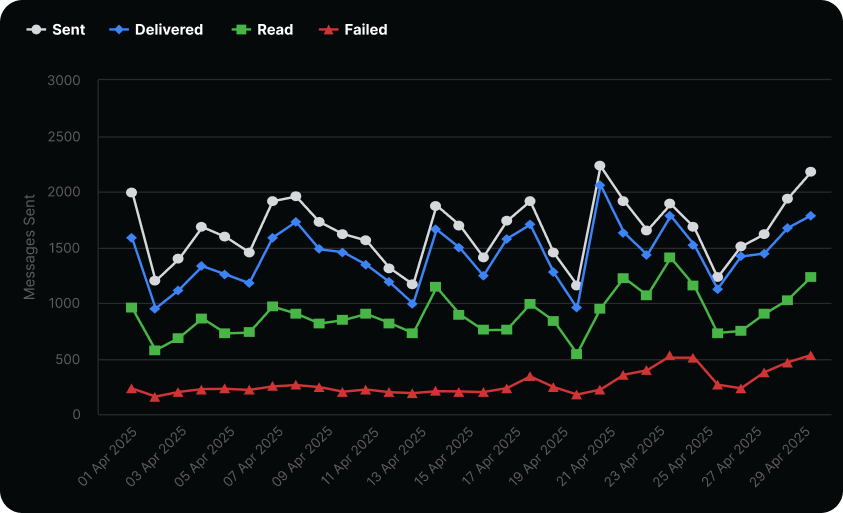
See what’s working and where you’re getting the most responses.

Track how many queries turned into sales

Track which messages got real engagement

Know your best performing campaigns

Here’s why thousands of teams count on QuickReply

+43%
Cart Recovery

"We recovered 43% more abandoned cartsin the first month. The AI personalization isgenuinely impressive — customers thinkthey're talking to a real person."

Sarah Mitchell

E-commerce Director, Luxe Be…

0%
Discount Used

"Finally, a cart recovery tool that doesn't rely on desperate discounting. Our margins are healthier and customers feel valued, notpressured."

James Chen

Founder & CEO, Urban Threads

3.2x
Better ROI

"Setup took literally 5 minutes. Within 72hours, we saw our first AI-recovered cart.The ROI is insane compared to our oldgeneric email flows."

Emma Rodriguez

Marketing Lead, FitGear Pro

Starter

An entry-level option ideal for small businesses, offering basic features, limited flows and Integrations
Omnichannel messaging
starting from
--/mo
*All taxes extra
**Messaging charges extra
Book a Demo
WhatsApp Website Widget
Welcome / Exit Popups
Cart Checkout Abandonment
Order Alerts
Blue Tick Application
Email Support
Supported Integration

Standard

Most Popular
A comprehensive package designed for growing businesses, including advanced segmentation features & support
Omnichannel messaging
starting from
--/mo
*All taxes extra
**Messaging charges extra
Book a Demo
Everything in Starter plus
Collect Feedback
Cross-Sell / Upsell
WhatsApp Bots
Keyword Based Response
Chat Support
CRM one-way sync
Supported Integration

Plus

A premium offering tailored for large businesses, with full feature access, Whatsapp flows and white-glove service
Omnichannel messaging
starting from
--/mo
*All taxes extra
**Messaging charges extra
Book a Demo
Everything in Standard plus
White Glove Services
Custom Chatbot Setups
CRM two-way sync
Custom Integrations With 3rd Party Systems
Product Browsing & Add-to-Cart Abandonment
Supported Integration

Enterprise

A flexible, enterprise solution catering to specific business needs, offering personalized features and dedicated support
Talk to Sales
*All taxes extra
**Messaging charges extra
Book a Demo

Frequently Asked Questions

You’re in good company

Trusted by brands across industries, geographies, and sizes, including those servicing both B2B and B2C markets.

Security you can trust

As a data company, we understand the importance of keeping your company’s data secure.

Integration with your tools

Seamlessly connect the database and applications you rely on to scale your business.

What is QuickReply.ai and how does it help health and wellness brands?

QuickReply.ai is a WhatsApp automation platform that helps health and wellness brands handle appointments, reminders, client support, and marketing — all from WhatsApp, without extra staff.

Can it work for both product-based and service-based wellness businesses?

Yes. It works for supplement stores, clinics, fitness coaches, and wellness centres alike — covering everything from order updates and refill reminders to appointment booking and care plans.

How does appointment booking work through WhatsApp?

Clients tap "Book Now", pick an available slot, and get an instant confirmation — no calls, no forms. Reminders and prep instructions go out automatically before the session.

Can it help reduce appointment no-shows?

Yes. Timely reminders, prep instructions, and clinic location details are sent to clients automatically before every appointment — no manual follow-up needed.

Can client questions be answered automatically, even outside business hours?

Yes. QuickReply.ai handles FAQs like "Are you open?", "Do you do home visits?", or "What's your fee?" round the clock — instant answers, zero agent involvement.

Can I promote new services or offers to my entire client list at once?

Yes. Broadcast new packages, health camps, or seasonal offers to all clients in one send, with action buttons like "Reserve a Spot" or "Claim Offer" built right in.

Can dosage reminders and care plans be sent automatically?

Yes. After every purchase or consultation, clients automatically receive care plans, dosage reminders, and usage guides — no manual sending required.

How does it help keep clients coming back?

It automates the retention touchpoints that usually slip — check-in messages, follow-up reminders, refill nudges, and referral incentives like "Bring a friend, get a free session."

What is an AI agent for cart recovery?

An AI agent for cart recovery is a system that automatically analyzes why a shopper abandoned their cart, chooses the best channel such as SMS or email, and sends a personalized recovery message at the right time to improve conversions.

How is QuickReply.ai’s cart recovery different from traditional abandoned cart tools?

Traditional tools usually send the same reminder to every shopper. QuickReply.ai’s AI agent looks at buyer behavior, hesitation signals, traffic source, and preferences to tailor the message, timing, and channel for each customer.

Does the AI agent choose between SMS and email automatically?

Yes. QuickReply.ai’s AI agent automatically decides whether SMS or email is more suitable for each shopper based on intent, context, and recovery potential, instead of sending generic messages through one fixed channel.

Can it recover carts without offering discounts?

Yes. QuickReply.ai is built to recover carts without depending heavily on discounts. It identifies the real reason behind abandonment, such as size concerns, payment issues, shipping doubts, or product comparison, and responds with more relevant messaging.

What kind of shopper signals does the AI agent use?

The AI agent uses signals such as browsing behavior, cart activity, hesitation patterns, acquisition source, buyer preferences, and likely purchase objections to create more relevant recovery messages.

Does QuickReply.ai work with Shopify and Klaviyo?

Yes. QuickReply.ai works with existing Shopify and Klaviyo setups, so brands can add AI-powered cart recovery without replacing their current marketing stack or disrupting existing workflows.

How long does it take to set up?

Setup is designed to be fast and simple. Based on the page, brands can connect their store and workflows in minutes and start testing AI-powered recovery without a long implementation cycle.

How quickly can brands see results?

The page indicates that brands can start seeing impact within 72 hours, making it suitable for teams that want to test performance quickly and compare it against their existing recovery flows.

Can I test it before shifting all my abandoned cart traffic?

Yes. QuickReply.ai allows brands to start with a smaller pilot, such as sending only 20% of abandoned cart traffic through the AI agent, so performance can be compared side by side before scaling further.

How is pricing structured?

QuickReply.ai uses a performance-based pricing model. According to the page, pricing is based on a percentage of recovered revenue, with no upfront cost, no credit card required to start, and alignment around actual results.

Frequently Asked Questions

What is an omnichannel inbox for messaging?

An omnichannel inbox is a single place where your team can see and reply to all customer chats from channels like WhatsApp, your website messenger and Instagram, instead of jumping between different tools and tabs.

Which channels can I connect to this inbox?

You can connect WhatsApp, your web messenger and Instagram, so all new messages, replies and follow-ups from these channels show up in one shared inbox view.

Do I need a separate tool for each channel?

No. The idea of the omnichannel inbox is that your team can log in once, see every active chat across channels and reply from the same screen.

Can I use the same chatbot on WhatsApp, web messenger and Instagram?

Yes. The same chatbot logic can welcome users, answer common questions and collect details on all connected channels, with small tweaks where needed for each channel.

How does handover from chatbot to human work?

The chatbot starts the conversation, asks a few questions and collects context. When a person needs to step in, the chat moves to an agent in the same thread, with the full history visible so the customer does not have to repeat anything.

How does lead assignment work in the inbox?

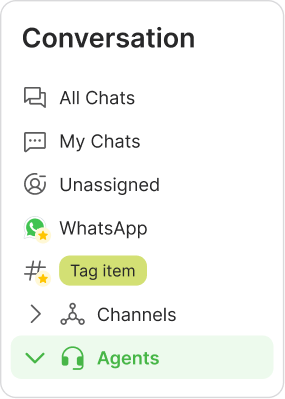
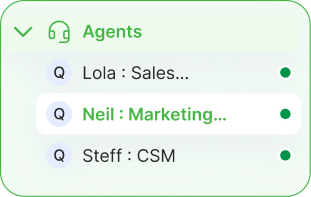
You can set simple rules so new chats go to the right person or team based on channel, topic, tags or business rules. Each conversation has a clear owner, and agents can mark what happened at the end using simple outcomes.

Can I tag chats and sync that data to my CRM or other systems?

Yes. Agents can add tags and fill key fields inside the inbox. Those tags and fields can be synced to your CRM or other systems where you track leads, customers, students or patients, so records stay aligned.

What kind of filters are available in the inbox?

You can filter chats by agent, channel, status and tags or lead quality. Common views include “My chats”, “Unassigned”, “WhatsApp only”, “New today” or “Hot leads”, and you can save these filters as reusable views.

What analytics do I get from the omnichannel inbox?

You can see how many chats came in, how quickly your team replied, how many were closed and how each agent is performing. You can also look at simple outcomes, such as how many chats turned into qualified leads or solved issues.

Who is this omnichannel inbox designed for?

The inbox works for both ecommerce and non-ecommerce teams. Ecommerce brands use it for orders, returns and repeat purchases, while education, real estate, healthcare and service businesses use it for enquiries, appointments, follow-ups and ongoing support across channels.