Close Payments Inside Chat

For businesses using WhatsApp and web bots to collect payments faster and reduce drop-offs.

Rated 4.9 on G2 and Shopify App Store

Powering 1500+ businesses across 29 countries

Why Customers Leave Before Paying

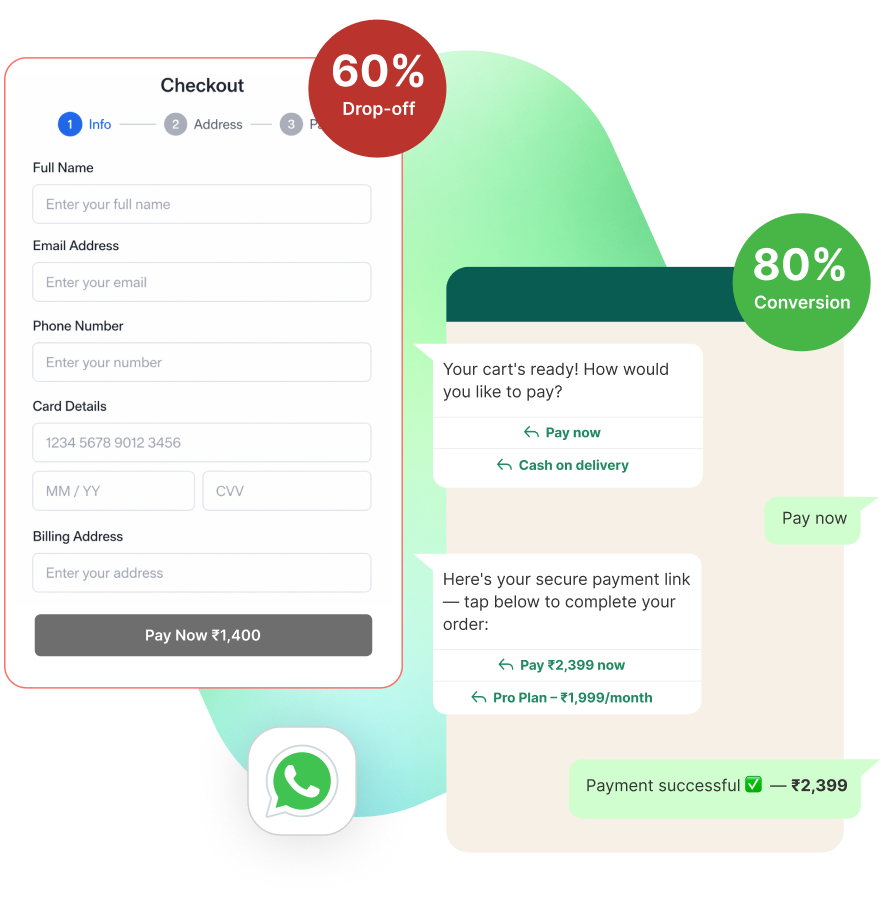
Users drop off when redirected to external checkout pages

No way to recover unpaid orders automatically

Manual payment follow-ups delay order confirmation

Limited visibility on who paid, failed, or abandoned

Accept Payments Directly Inside WhatsApp

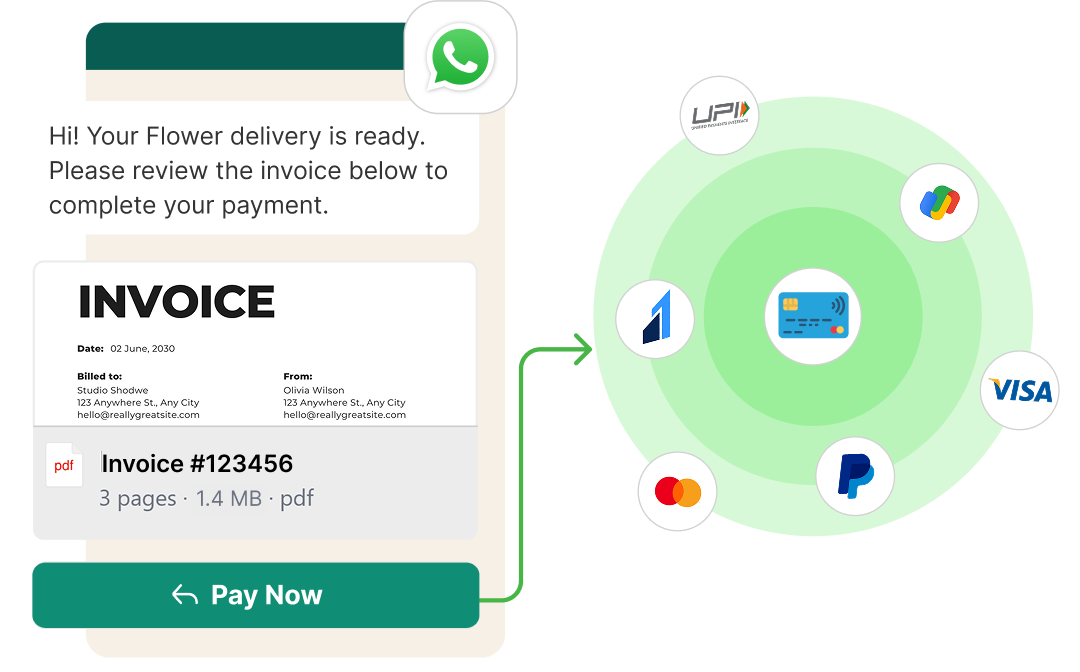
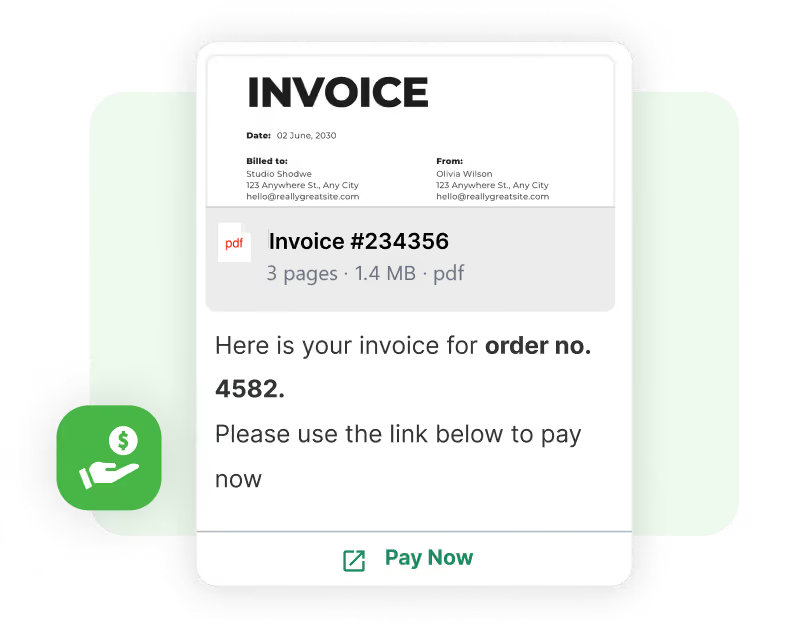
Send Payment Links in Chat

Close payments without leaving chat

Share payment links inside WhatsApp or web bot conversations

Trigger links after cart creation, lead qualification, or booking

Reduce friction by keeping users inside the chat

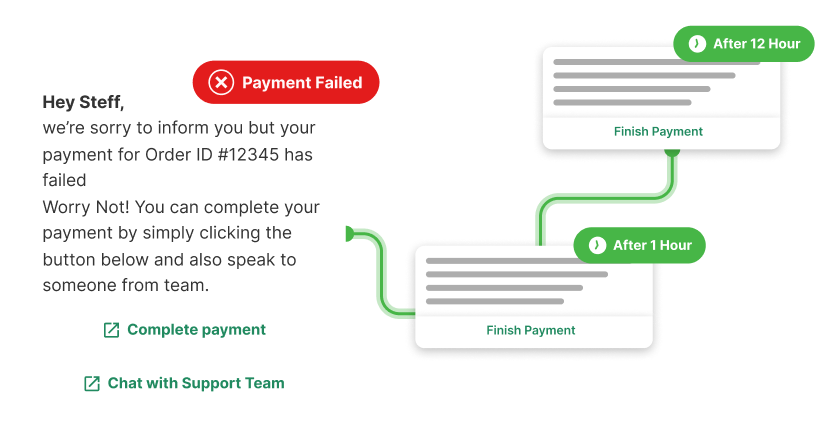
Automate Payment Reminders

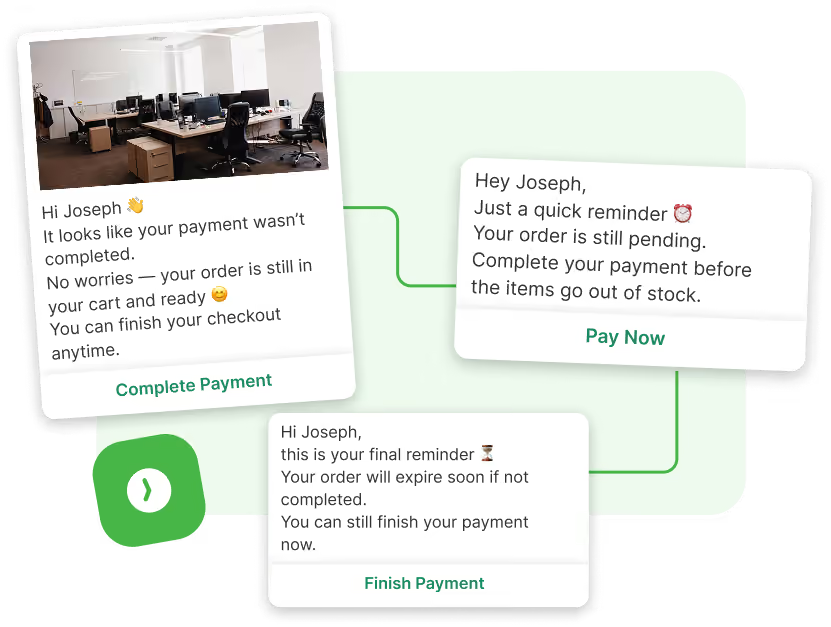
Recover pending payments automatically

Send reminders if payment is not completed within minutes

Trigger follow-ups based on user behavior or time delays

Recover abandoned payments without manual effort

Recover Abandoned Payments

Bring users back to complete purchase

Identify users who clicked but did not pay

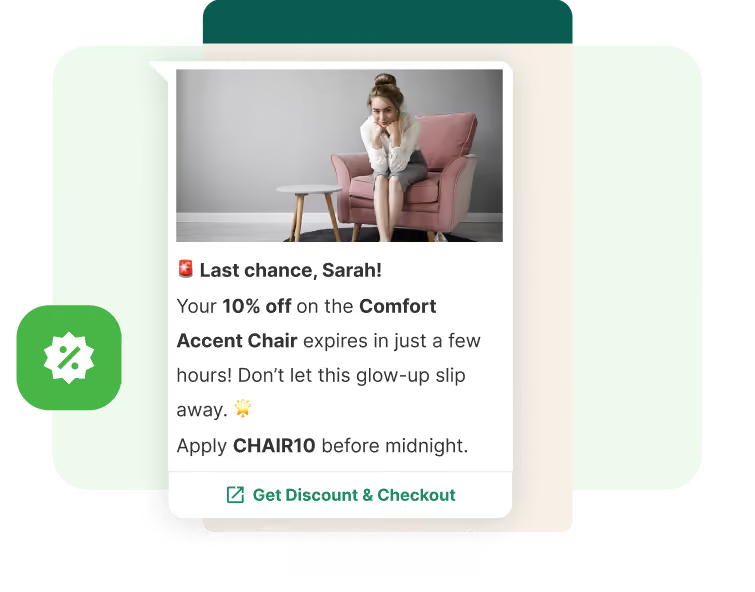
Send personalized nudges with offers or urgency

Bring users back to complete transactions

Track Payment Status in Real-Time

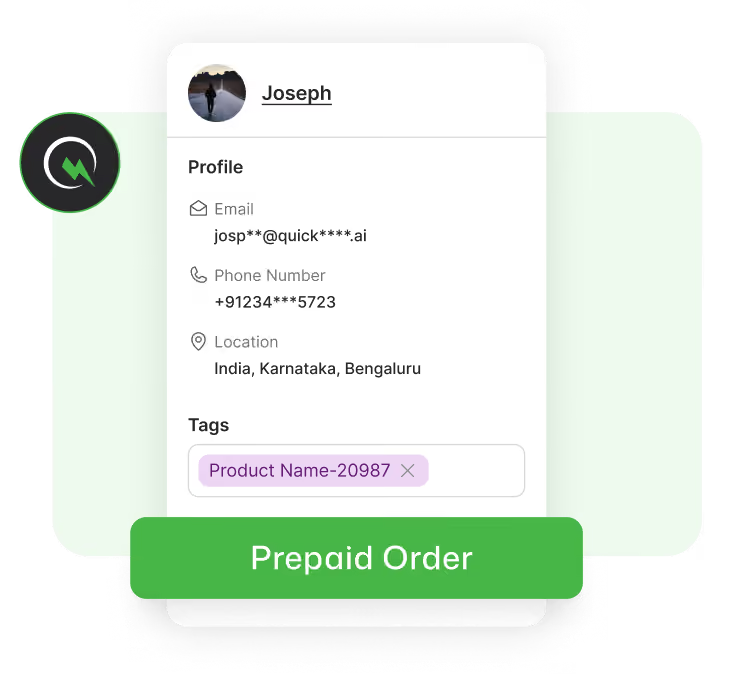
Know exactly who paid and who didn’t

Know who paid, failed, or dropped off instantly

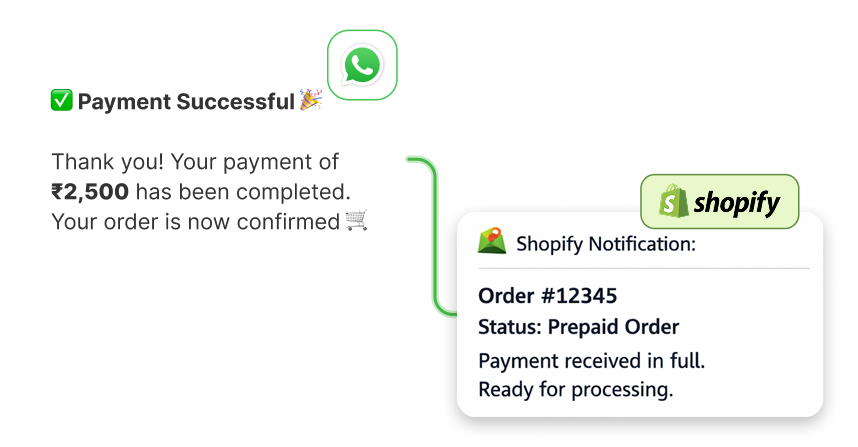
Sync payment updates with your CRM or Shopify

Trigger next steps like order confirmation automatically

Enable Payments Across Channels

Use one payment flow everywhere

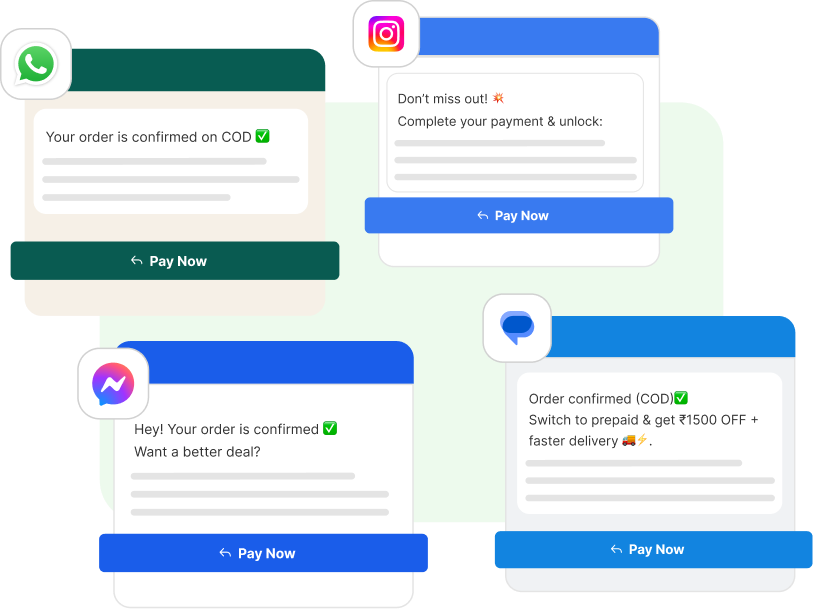
Collect payments via WhatsApp, web bots, and campaigns

Use the same flow across ads, website, and broadcasts

Maintain a consistent checkout experience everywhere

How Payments Work Inside QuickReply.ai

Trigger payment links based on user actions

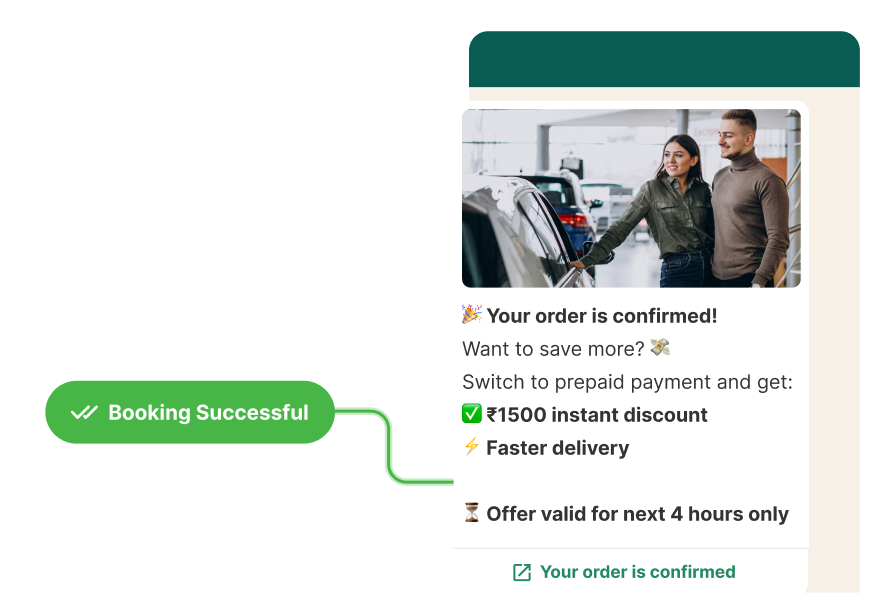
Send links after cart creation, booking, or lead qualification

Automate follow-ups until payment is complete

Set delays, reminders, and retries to recover missed payments

Sync payment status with your systems

Update Shopify, CRM, or backend instantly after payment

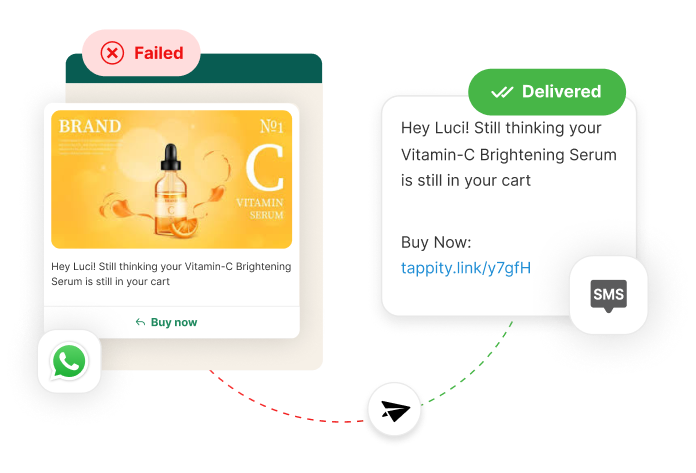
Handle failures with fallback flows

Retry via SMS or other channels if WhatsApp fails

AAYNA Clinic turns high-intent clicks into confirmed bookings with WhatsApp

Discover how AAYNA Clinic boosted patient bookings by 74%, cut no-shows by half, and achieved 91% campaign open rates with QuickReply.ai’s WhatsApp automation.

12%

less no-show rate

91%

broadcast open rate

23%

more conversion rate

Here’s why thousands of teams count on QuickReply.ai

It’s a splendid product. The platform is affordable and supports special customisations. We had cross-integration requirements with internal software, and everything worked smoothly. QuickReply makes WhatsApp marketing easy and reliable. The team is supportive and delivers on time. Highly recommended for small and growing businesses.

Yamini Beri

Growth & Digital Marketing

One of the finest products backed by a highly experienced team. They understand requirements quickly and implement fast. For teams with fewer employees who still want to scale customer interactions, QuickReply.ai is a strong solution.

Gaurav Kumar

Head of E-commerce

Just getting started, but the product already delivers solid responses. It works well across web and Facebook. The tech support team is responsive and helped answer all beginner questions quickly.

Richard Berry

Marketing Manager

QuickReply.ai has enabled us to run WhatsApp marketing at scale for promotions, cart recovery, and customer engagement. The chatbots and automations handle high volumes efficiently and significantly reduce manual intervention.

Anvita Rao

Head of Customer Relationship Management

The QuickReply team understands our needs and is genuinely helpful. Customer service is excellent, and Neha has done a wonderful job. The product helps us connect with customers easily, and the overall service experience has been impressive.

Bharti

Marketing Manager

The app has a user-friendly interface and efficient features that make communication effortless. What stands out is the customer service. The product simplifies CTWA ads and keeps conversations organised. QuickReply has become a core part of my daily workflow.

Dhiraj Jindal

Founder, Meadbery

For every problem, there is a solution. The team understands use cases deeply and customises features to match our needs. Customer service is taken seriously, with quick responses and reliable account management.

Deepak Aggarwal

Founder, Auric

QuickReply.ai is the WhatsApp marketing solution we were looking for. The support team is proactive and helps us understand features and capabilities clearly, enabling us to build a comprehensive WhatsApp marketing strategy.

Karan Pahwa

Founder, The Pillow Company

Frequently Asked Questions

You’re in good company

Trusted by brands across industries, geographies, and sizes, including those servicing both B2B and B2C markets.

Security you can trust

As a data company, we understand the importance of keeping your company’s data secure.

Integration with your tools

Seamlessly connect the database and applications you rely on to scale your business.

Frequently Asked Questions

What is WhatsApp payment automation?

It lets businesses send payment links and collect payments directly inside WhatsApp chats.

How does QuickReply help collect payments?

It sends payment links during conversations and follows up automatically until payment is completed.

Can I recover abandoned payments on WhatsApp?

Yes. You can trigger reminders and offers to bring users back and complete payment.

Does this work with Shopify?

Yes. Payment status syncs with Shopify to update orders and trigger next steps.

Can I send payment links from website bots too?

Yes. The same flow works across WhatsApp and web bots.

What happens if a payment fails?

You can retry, send reminders, or move the user to another channel automatically.

Can I track who paid and who didn’t?

Yes. You get real-time visibility on payment status inside your dashboard.

Frequently Asked Questions

What is an omnichannel inbox for messaging?

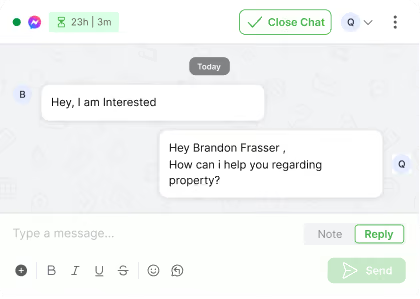
An omnichannel inbox is a single place where your team can see and reply to all customer chats from channels like WhatsApp, your website messenger and Instagram, instead of jumping between different tools and tabs.

Which channels can I connect to this inbox?

You can connect WhatsApp, your web messenger and Instagram, so all new messages, replies and follow-ups from these channels show up in one shared inbox view.

Do I need a separate tool for each channel?

No. The idea of the omnichannel inbox is that your team can log in once, see every active chat across channels and reply from the same screen.

Can I use the same chatbot on WhatsApp, web messenger and Instagram?

Yes. The same chatbot logic can welcome users, answer common questions and collect details on all connected channels, with small tweaks where needed for each channel.

How does handover from chatbot to human work?

The chatbot starts the conversation, asks a few questions and collects context. When a person needs to step in, the chat moves to an agent in the same thread, with the full history visible so the customer does not have to repeat anything.

How does lead assignment work in the inbox?

You can set simple rules so new chats go to the right person or team based on channel, topic, tags or business rules. Each conversation has a clear owner, and agents can mark what happened at the end using simple outcomes.

Can I tag chats and sync that data to my CRM or other systems?

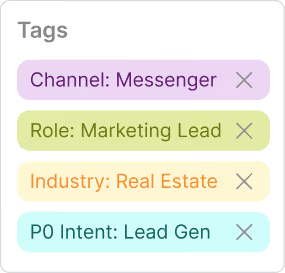
Yes. Agents can add tags and fill key fields inside the inbox. Those tags and fields can be synced to your CRM or other systems where you track leads, customers, students or patients, so records stay aligned.

What kind of filters are available in the inbox?

You can filter chats by agent, channel, status and tags or lead quality. Common views include “My chats”, “Unassigned”, “WhatsApp only”, “New today” or “Hot leads”, and you can save these filters as reusable views.

What analytics do I get from the omnichannel inbox?

You can see how many chats came in, how quickly your team replied, how many were closed and how each agent is performing. You can also look at simple outcomes, such as how many chats turned into qualified leads or solved issues.

Who is this omnichannel inbox designed for?

The inbox works for both ecommerce and non-ecommerce teams. Ecommerce brands use it for orders, returns and repeat purchases, while education, real estate, healthcare and service businesses use it for enquiries, appointments, follow-ups and ongoing support across channels.