Turn WhatsApp Into Your Top Apparel Seller

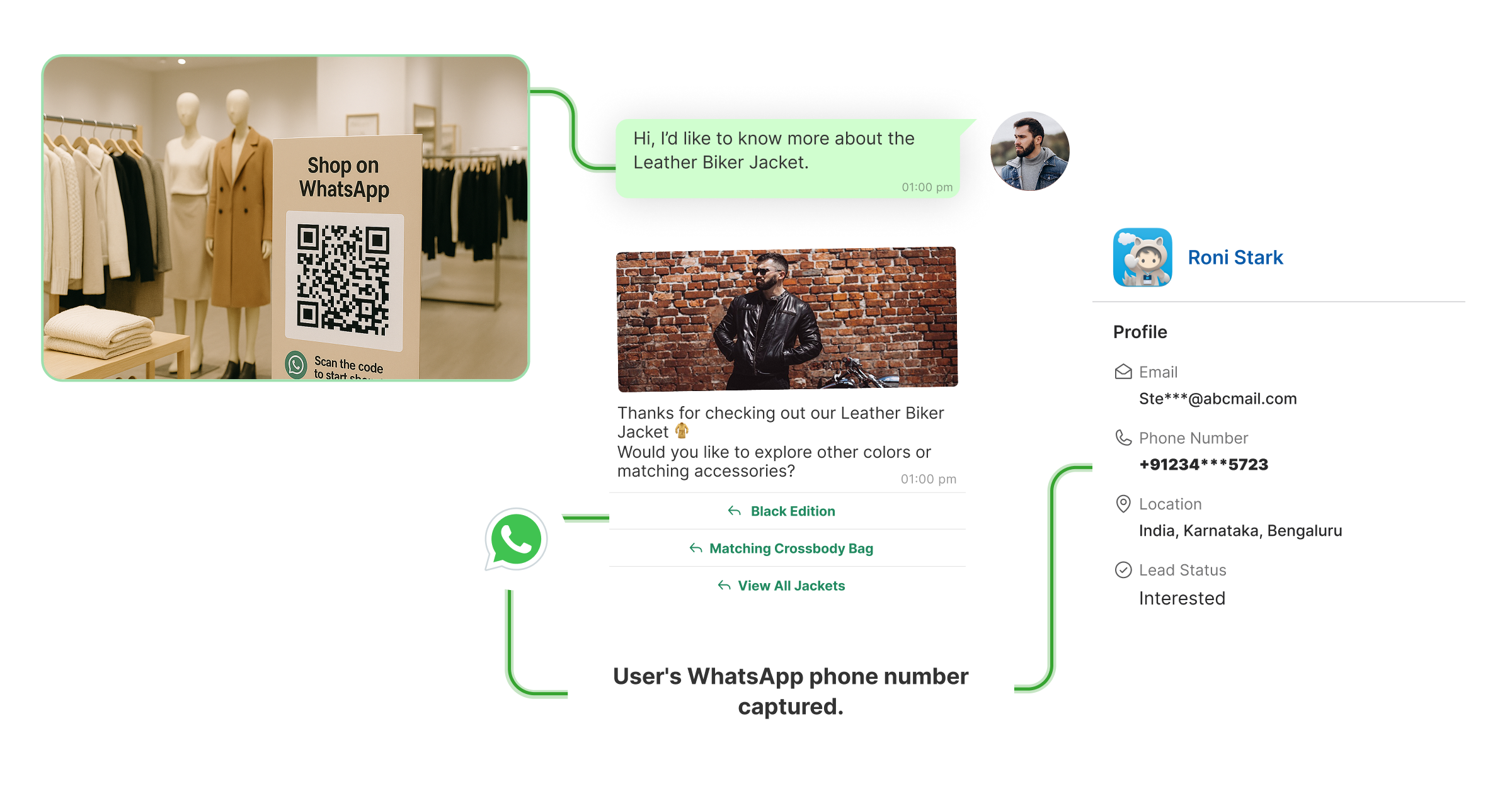
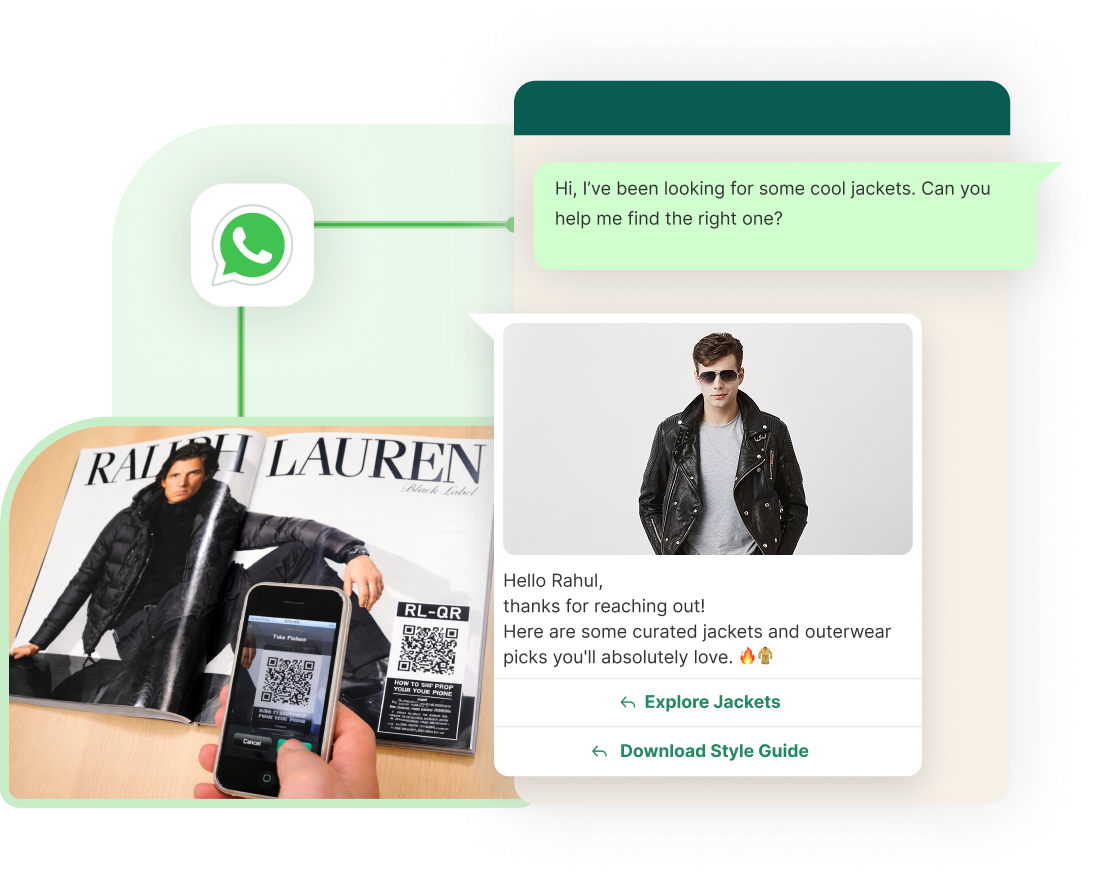
  • Get more customers through WhatsApp QR codes
  • Share new offers with bulk message on WhatsApp
  • Stand out during sale seasons with special WhatsApp campaigns
  • Turn window shoppers into repeat customers by staying in touch on WhatsApp

Rated 4.9 on G2 and Shopify App Store
Powering 1500+ businesses across 29 countries

Why Boutique Owners Love WhatsApp Automation

Every new query from DMs & WhatsApp, gets answered instantly, even when you're busy.

Send product photos, videos, receive orders, and keep everyone in the loop, on WhatsApp.

Save time and money while WhatsApp sends reminders to the ones who are yet to purchase.

Build your customer list everyday, with just one QR code.

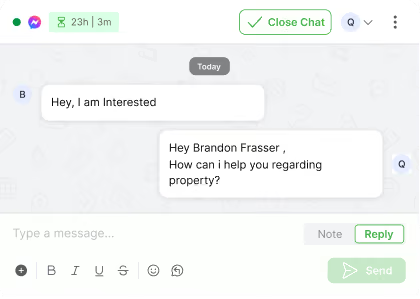
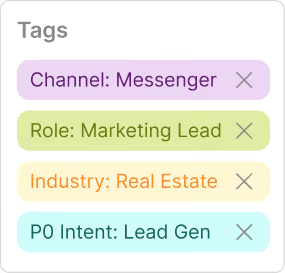
Structure every Messenger lead from first click

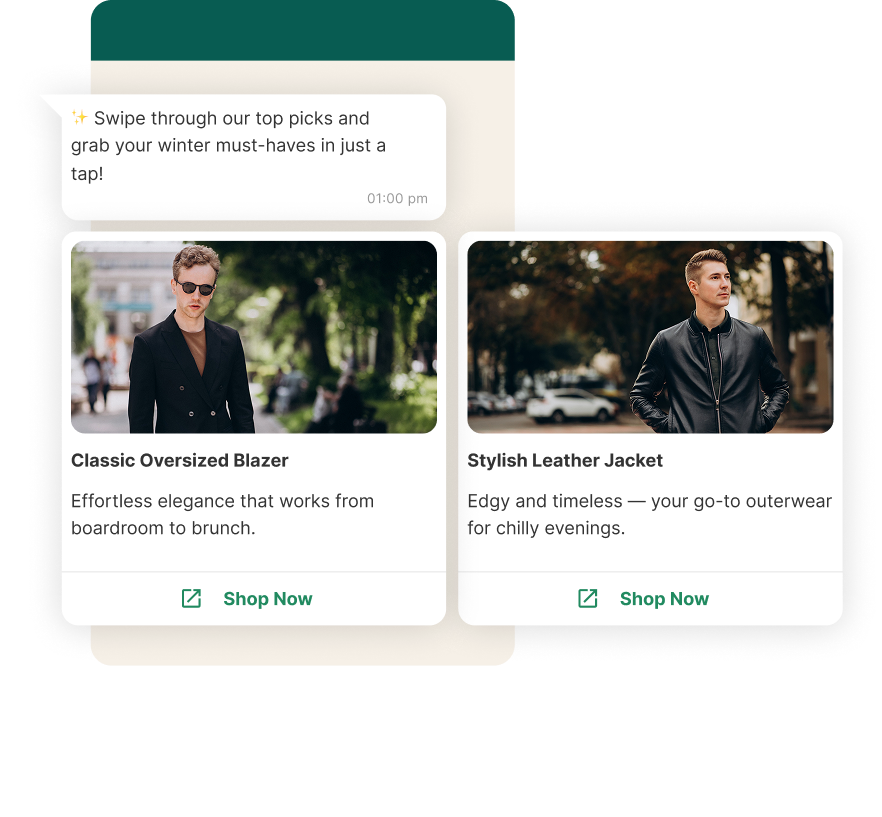
Share product videos, carousels, and catalogues.

  • Reply to every “Do you have this in stock?” with ready-made messages having prices and videos in seconds.
  • Share catalogues or latest arrivals the moment someone asks, no more searching through your gallery every time.
  • Greet every new WhatsApp visitor with a friendly message and the latest offers, even if they message late at night.

Send reminders & stay in touch with customers without efforts

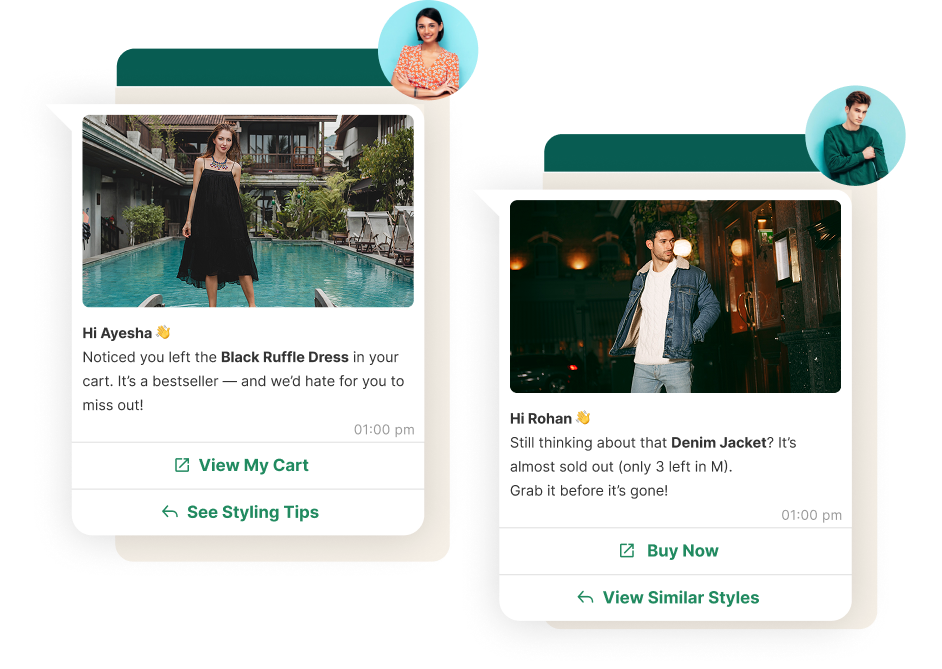
  • Send gentle reminders to customers who liked a saree but haven’t decided yet.
  • Keep customers updated when their liked products are back in stock.
  • Let customers know every time a new collection or exclusive piece comes in.

Book and confirm visits within WhatsApp

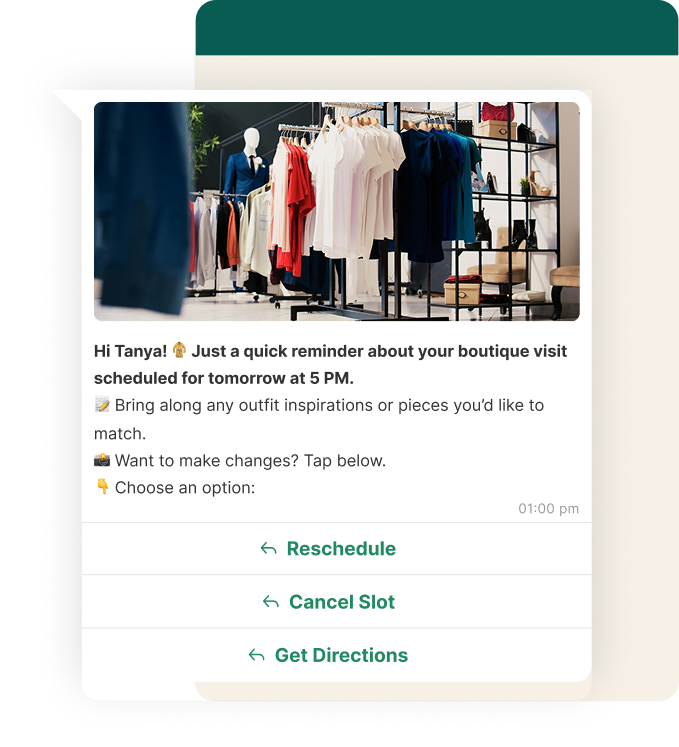
  • Let customers book their boutique visit directly on WhatsApp, without calling again and again.
  • Automatically send confirmations, time slots, and even your Google Maps location.
  • Send a reminder a few hours before, so your customers never forget (and neither do you!).

Share delivery, shipping & order updates

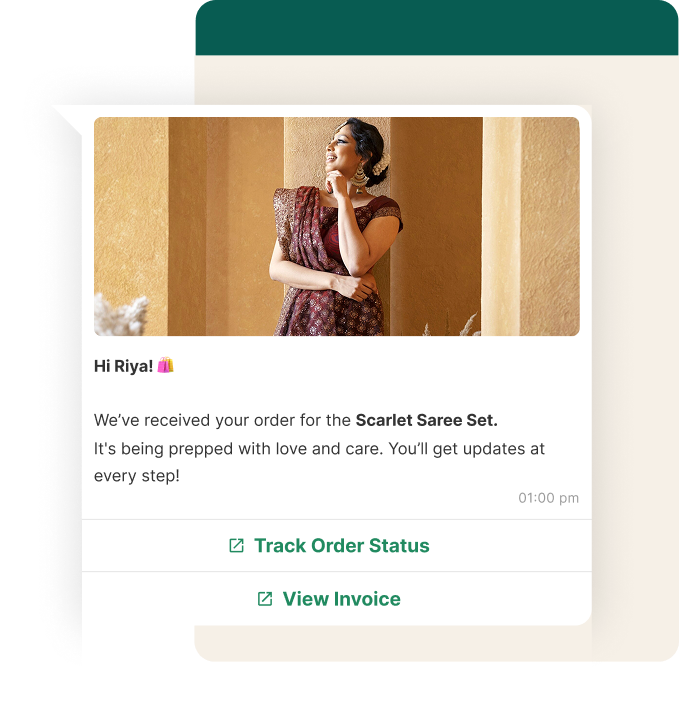
  • Let customers order from WhatsApp itself and get real time notifications.
  • Instantly send order confirmation and payment details, so your customer feels secure.
  • Share live tracking links and updates (“Your saree is on its way!”), making delivery stress-free.
  • Update on custom orders: “Your dress is ready for fitting, want to see a picture?”

Collect feedback, reviews & celebrate loyal customers

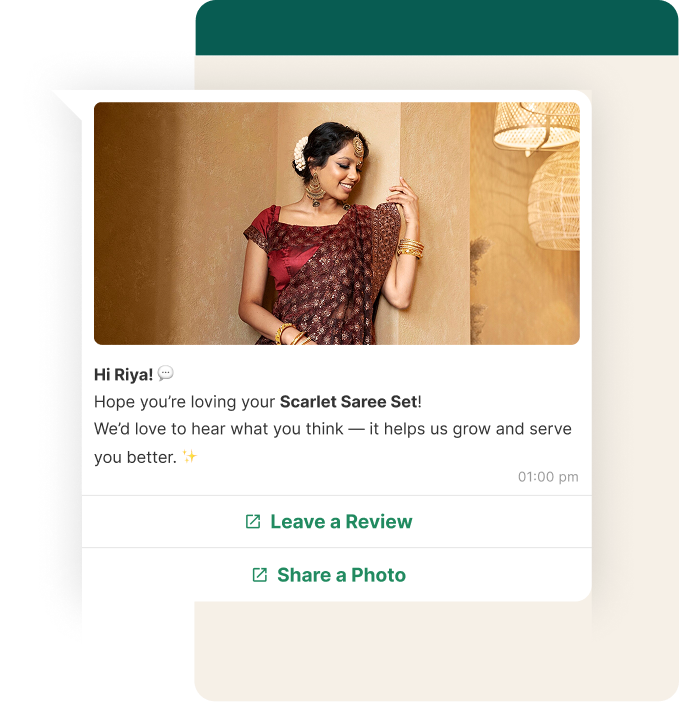
  • Automatically send review requests after product is delivered.
  • Make it easy for customers to share photos or reviews, perfect for your social media.
  • Send a special notes or offers for birthdays and anniversaries.

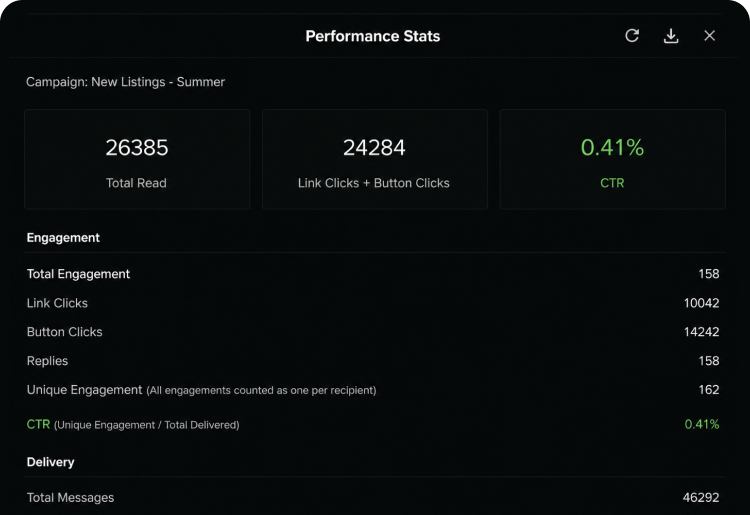
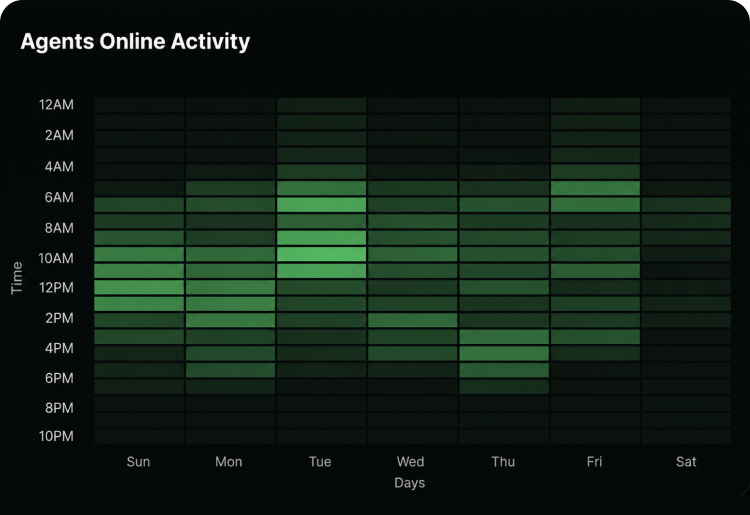
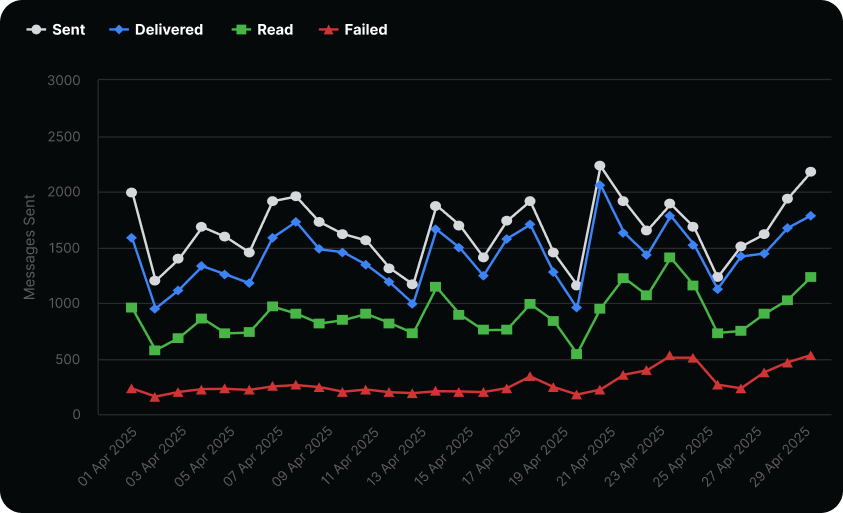
See what’s working and where you’re getting the most responses.

Track how many queries turned into sales

Track which messages got real engagement

Know your best performing campaigns

Here’s why thousands of teams count on QuickReply

+43%
Cart Recovery

"We recovered 43% more abandoned cartsin the first month. The AI personalization isgenuinely impressive — customers thinkthey're talking to a real person."

Sarah Mitchell

E-commerce Director, Luxe Be…

0%
Discount Used

"Finally, a cart recovery tool that doesn't rely on desperate discounting. Our margins are healthier and customers feel valued, notpressured."

James Chen

Founder & CEO, Urban Threads

3.2x
Better ROI

"Setup took literally 5 minutes. Within 72hours, we saw our first AI-recovered cart.The ROI is insane compared to our oldgeneric email flows."

Emma Rodriguez

Marketing Lead, FitGear Pro

Starter

An entry-level option ideal for small businesses, offering basic features, limited flows and Integrations
Omnichannel messaging
starting from
--/mo
*All taxes extra
**Messaging charges extra
Book a Demo
WhatsApp Website Widget
Welcome / Exit Popups
Cart Checkout Abandonment
Order Alerts
Blue Tick Application
Email Support
Supported Integration

Standard

Most Popular
A comprehensive package designed for growing businesses, including advanced segmentation features & support
Omnichannel messaging
starting from
--/mo
*All taxes extra
**Messaging charges extra
Book a Demo
Everything in Starter plus
Collect Feedback
Cross-Sell / Upsell
WhatsApp Bots
Keyword Based Response
Chat Support
CRM one-way sync
Supported Integration

Plus

A premium offering tailored for large businesses, with full feature access, Whatsapp flows and white-glove service
Omnichannel messaging
starting from
--/mo
*All taxes extra
**Messaging charges extra
Book a Demo
Everything in Standard plus
White Glove Services
Custom Chatbot Setups
CRM two-way sync
Custom Integrations With 3rd Party Systems
Product Browsing & Add-to-Cart Abandonment
Supported Integration

Enterprise

A flexible, enterprise solution catering to specific business needs, offering personalized features and dedicated support
Talk to Sales
*All taxes extra
**Messaging charges extra
Book a Demo

Frequently Asked Questions

You’re in good company

Trusted by brands across industries, geographies, and sizes, including those servicing both B2B and B2C markets.

Security you can trust

As a data company, we understand the importance of keeping your company’s data secure.

Integration with your tools

Seamlessly connect the database and applications you rely on to scale your business.

How does QuickReply.ai help fashion stores showcase new collections to customers on WhatsApp?

You can send broadcast messages with product carousels, photos, and videos directly to your customer list whenever a new collection drops. Customers can browse, ask questions, and place orders — all within the same WhatsApp conversation.

Can I automate responses to common questions about stock, sizes, and pricing?

Yes. Keyword-based automation handles the most frequent customer queries — whether a size is available, what fabrics are used, current offers, or return policies — instantly, without any manual effort from your team.

How does cart or browse recovery work for fashion shoppers?

If a customer was browsing a specific outfit or abandoned their order midway, QuickReply.ai sends a personalised follow-up message based on what they were looking at — without defaulting to a discount — to bring them back to complete the purchase.

Can I take custom or bulk orders through WhatsApp?

Yes. A guided conversation flow can collect order details — style preferences, sizes, quantities, delivery address — directly within the chat. This works especially well for boutiques handling custom stitching or wholesale orders.

How do I schedule in-store visit bookings or trunk show appointments through WhatsApp?

Customers can pick a date and time to visit your store or attend a special showcase directly within the WhatsApp conversation. Automated confirmation and reminder messages go out so they don't forget.

Can I send birthday or anniversary offers to loyal customers?

Yes. Customer data collected in chat — like birthdays or purchase anniversaries — can trigger personalised WhatsApp messages with exclusive offers, making customers feel valued and increasing the chance of a repeat purchase.

How do I collect reviews and referrals from happy customers?

Post-purchase, an automated message can ask for a review or send a referral link with a reward. Because it's on WhatsApp — a channel customers already use — response rates are significantly higher than email.

What is an AI agent for cart recovery?

An AI agent for cart recovery is a system that automatically analyzes why a shopper abandoned their cart, chooses the best channel such as SMS or email, and sends a personalized recovery message at the right time to improve conversions.

How is QuickReply.ai’s cart recovery different from traditional abandoned cart tools?

Traditional tools usually send the same reminder to every shopper. QuickReply.ai’s AI agent looks at buyer behavior, hesitation signals, traffic source, and preferences to tailor the message, timing, and channel for each customer.

Does the AI agent choose between SMS and email automatically?

Yes. QuickReply.ai’s AI agent automatically decides whether SMS or email is more suitable for each shopper based on intent, context, and recovery potential, instead of sending generic messages through one fixed channel.

Can it recover carts without offering discounts?

Yes. QuickReply.ai is built to recover carts without depending heavily on discounts. It identifies the real reason behind abandonment, such as size concerns, payment issues, shipping doubts, or product comparison, and responds with more relevant messaging.

What kind of shopper signals does the AI agent use?

The AI agent uses signals such as browsing behavior, cart activity, hesitation patterns, acquisition source, buyer preferences, and likely purchase objections to create more relevant recovery messages.

Does QuickReply.ai work with Shopify and Klaviyo?

Yes. QuickReply.ai works with existing Shopify and Klaviyo setups, so brands can add AI-powered cart recovery without replacing their current marketing stack or disrupting existing workflows.

How long does it take to set up?

Setup is designed to be fast and simple. Based on the page, brands can connect their store and workflows in minutes and start testing AI-powered recovery without a long implementation cycle.

How quickly can brands see results?

The page indicates that brands can start seeing impact within 72 hours, making it suitable for teams that want to test performance quickly and compare it against their existing recovery flows.

Can I test it before shifting all my abandoned cart traffic?

Yes. QuickReply.ai allows brands to start with a smaller pilot, such as sending only 20% of abandoned cart traffic through the AI agent, so performance can be compared side by side before scaling further.

How is pricing structured?

QuickReply.ai uses a performance-based pricing model. According to the page, pricing is based on a percentage of recovered revenue, with no upfront cost, no credit card required to start, and alignment around actual results.

Frequently Asked Questions

What is an omnichannel inbox for messaging?

An omnichannel inbox is a single place where your team can see and reply to all customer chats from channels like WhatsApp, your website messenger and Instagram, instead of jumping between different tools and tabs.

Which channels can I connect to this inbox?

You can connect WhatsApp, your web messenger and Instagram, so all new messages, replies and follow-ups from these channels show up in one shared inbox view.

Do I need a separate tool for each channel?

No. The idea of the omnichannel inbox is that your team can log in once, see every active chat across channels and reply from the same screen.

Can I use the same chatbot on WhatsApp, web messenger and Instagram?

Yes. The same chatbot logic can welcome users, answer common questions and collect details on all connected channels, with small tweaks where needed for each channel.

How does handover from chatbot to human work?

The chatbot starts the conversation, asks a few questions and collects context. When a person needs to step in, the chat moves to an agent in the same thread, with the full history visible so the customer does not have to repeat anything.

How does lead assignment work in the inbox?

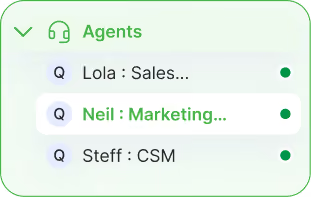
You can set simple rules so new chats go to the right person or team based on channel, topic, tags or business rules. Each conversation has a clear owner, and agents can mark what happened at the end using simple outcomes.

Can I tag chats and sync that data to my CRM or other systems?

Yes. Agents can add tags and fill key fields inside the inbox. Those tags and fields can be synced to your CRM or other systems where you track leads, customers, students or patients, so records stay aligned.

What kind of filters are available in the inbox?

You can filter chats by agent, channel, status and tags or lead quality. Common views include “My chats”, “Unassigned”, “WhatsApp only”, “New today” or “Hot leads”, and you can save these filters as reusable views.

What analytics do I get from the omnichannel inbox?

You can see how many chats came in, how quickly your team replied, how many were closed and how each agent is performing. You can also look at simple outcomes, such as how many chats turned into qualified leads or solved issues.

Who is this omnichannel inbox designed for?

The inbox works for both ecommerce and non-ecommerce teams. Ecommerce brands use it for orders, returns and repeat purchases, while education, real estate, healthcare and service businesses use it for enquiries, appointments, follow-ups and ongoing support across channels.