11 Benefits of Using AI Chatbots for Customer Queries

Copied to clipboard!

Customers rarely plan when they will need support.

They may want to track an order late at night, confirm product availability before placing an order, reschedule an appointment during the weekend or check the status of a refund while your support team is handling other conversations.

When every query depends on a human agent, response times increase as the volume of conversations grows. Agents also spend a significant part of their day answering the same questions, retrieving information from different systems and manually routing customers to the right team.

AI chatbots help businesses address this problem by providing immediate assistance, understanding naturally written questions and automating routine support tasks.

However, the real benefit of an AI chatbot is not simply that it can respond to more messages. A useful chatbot should be able to understand what the customer needs, retrieve relevant information, complete an action where possible and transfer the conversation to a human agent when necessary.

In this article, we will explore the key benefits of utilizing AI chatbots for customer queries and how businesses can leverage them to establish faster, more scalable customer support operations.

What Is an AI Chatbot for Customer Service?

AI Chatbot for Customer Support

An AI customer service chatbot is software designed to understand customer questions and respond conversationally using artificial intelligence, natural language processing, and approved business information.

Traditional rule-based chatbots generally depend on predefined buttons, keywords and decision trees. They work well when customers follow an expected path, but may struggle when a question is phrased differently.

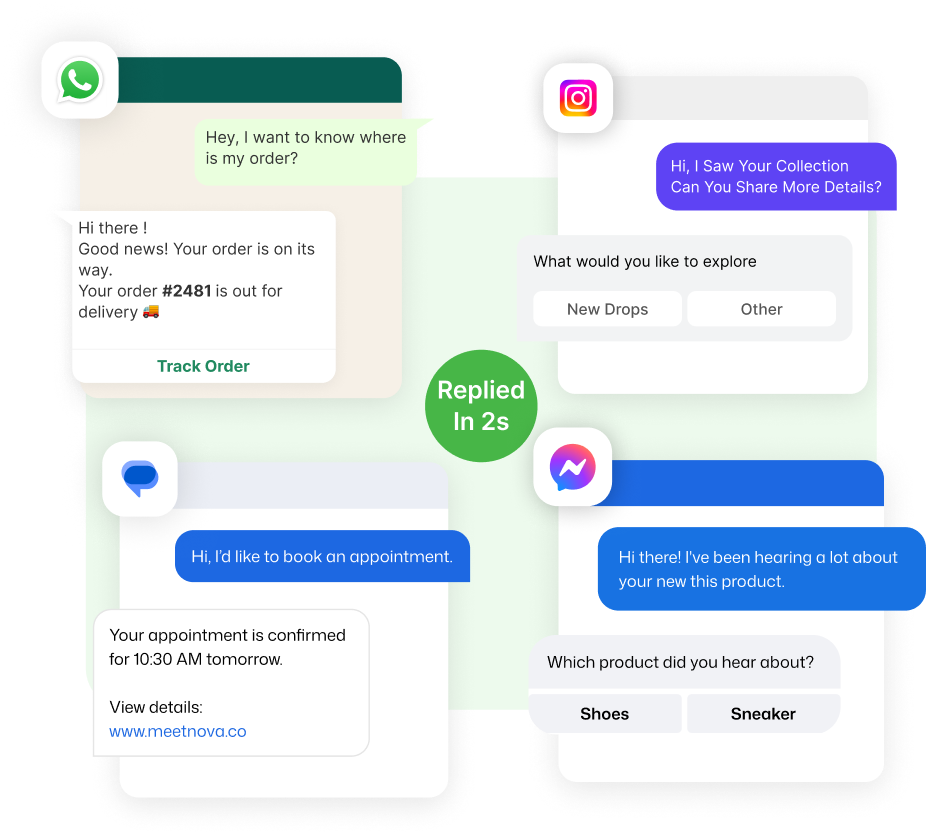
For example, a rule-based chatbot may recognise the keyword “tracking.” An AI chatbot can understand that “Has my package left the warehouse yet?” and “When will my order reach me?” are both order-status queries.

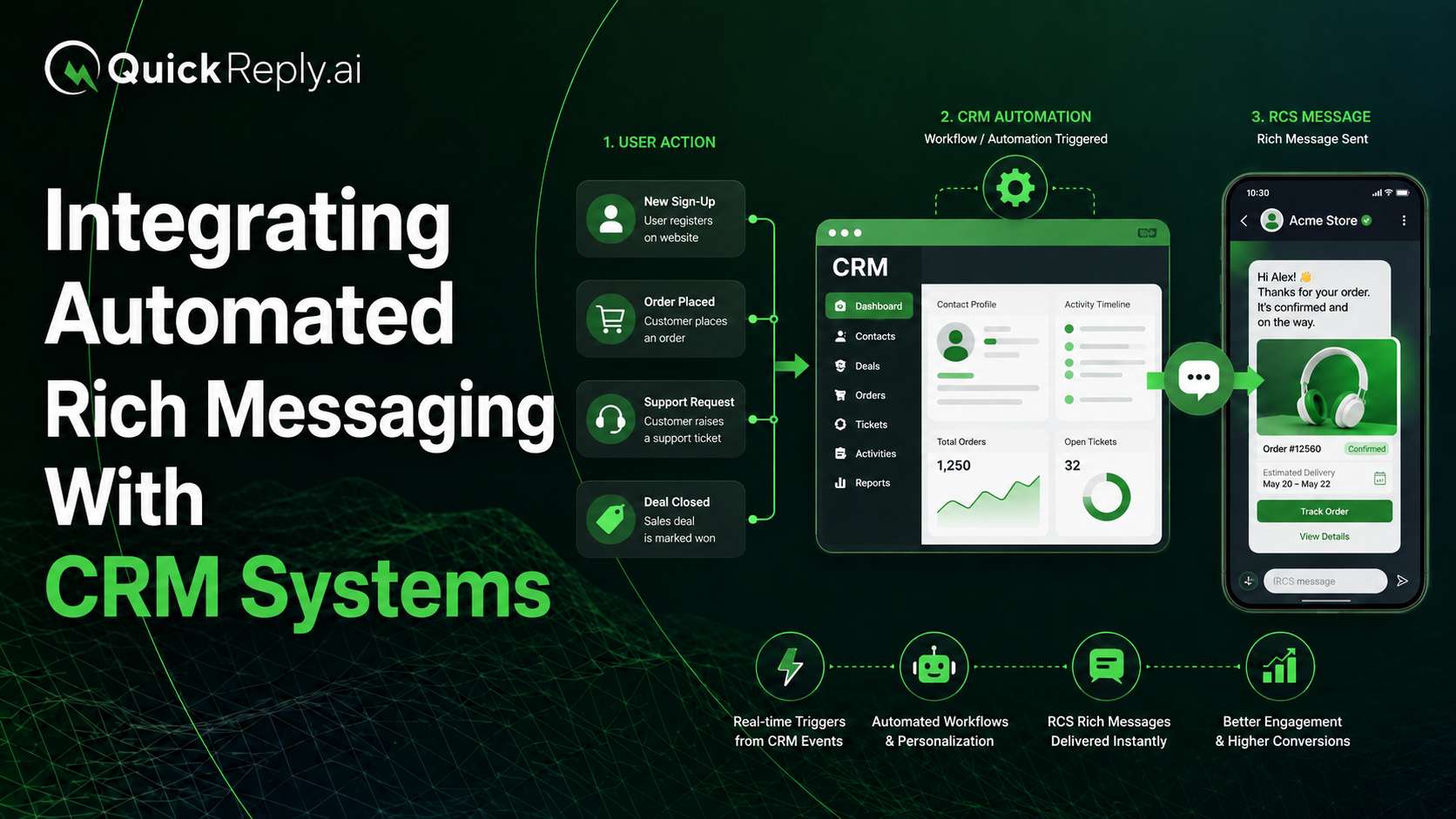
Modern AI chatbots can also connect with ecommerce platforms, CRMs, helpdesks, booking systems and internal knowledge bases. This allows them to do more than provide a generic answer. They can retrieve order details, collect customer information, initiate requests and preserve context before handing the conversation to an agent.

The broader industry is similarly moving from fixed, scripted bots toward systems that use business data to provide contextual resolutions and controlled human handovers.

Key Benefits of Using AI Chatbots for Customer Queries

Here are the top benefits of AI Chatbots for customer support teams in their daily operations:

1. 24/7 Availability and Faster Response Times

AI chatbots can answer customer queries instantly, even outside regular business hours, on weekends and across different time zones. Customers can access basic support without waiting for the support team to come online.

They can also manage multiple conversations simultaneously, helping businesses maintain faster response times during sales, product launches, service disruptions and other periods of high demand.

This keeps 24/7 availability prominent while avoiding a separate point that would overlap heavily with response speed and scalability.

2. Automation of Repetitive Customer Queries

A large proportion of customer support conversations involve recurring questions about pricing, product availability, delivery timelines, order status, appointments, policies and payments.

AI chatbots can resolve many of these queries without agent involvement. This reduces repetitive work and allows support teams to focus on complaints, exceptions and cases requiring human judgment.

3. Better Understanding and More Relevant Responses

Unlike basic chatbots that depend entirely on fixed keywords and menu options, AI chatbots can understand different ways customers express the same requirement.

For example, “Where is my parcel?”, “Has my order been shipped?” and “When will my package arrive?” can all be recognised as order-tracking queries.

When connected with customer and business data, the chatbot can also provide responses based on the customer’s order, booking, subscription, purchase history or location rather than sending a generic reply.

4. Faster Resolution Through Business Integrations

The value of an AI chatbot increases when it can do more than answer FAQs.

By integrating with ecommerce platforms, CRMs, booking systems, helpdesks and internal databases, a chatbot can retrieve information and complete actions such as:

  • Checking an order status
  • Rescheduling an appointment
  • Confirming product availability
  • Collecting documents
  • Initiating a return request
  • Updating a customer record

This moves the chatbot from simple response automation to actual query resolution.

5. More Effective Human-Agent Support

Not every customer query should be automated. Complaints, payment disputes, policy exceptions and sensitive conversations often require a human agent.

An AI chatbot can identify these situations, collect the necessary information and transfer the conversation with its complete context. The agent can then see the customer’s original question, relevant details and actions already attempted.

This reduces repetition for the customer and helps agents resolve complex cases faster.

6. Consistent Support and Better Customer Insights

AI chatbots can provide answers based on approved business information, helping customers receive more consistent guidance across conversations.

They can also reveal patterns in customer queries, including:

  • Frequently asked questions
  • Common reasons for escalation
  • Products generating confusion
  • Repeated delivery or payment concerns
  • Questions the chatbot could not answer

Businesses can use these insights to improve their support documentation, website content, products and internal processes.

Benefits of AI Chatbots Across Different Industries

The use of AI chatbots varies according to the customer journey and the type of information a business needs to provide.

1. Ecommerce and Retail

AI chatbots can help customers discover products, check availability, track orders, initiate returns and receive product recommendations.

Example: A customer asks whether a particular size is available. The chatbot checks inventory and shares the relevant product option.

2. Healthcare

Healthcare providers can use chatbots for appointment booking, reminders, service information and preliminary information collection.

Example: A patient selects a preferred consultation date and provides basic details before the conversation is transferred to the clinic team.

AI chatbots should not be used to provide diagnoses or replace qualified medical professionals.

3. Education

Educational institutions can automate questions related to courses, admissions, eligibility, fees, schedules and application status.

Example: A prospective student asks about admission requirements. The chatbot shares the criteria and collects contact details for a counsellor.

4. Travel and Hospitality

Travel businesses can use chatbots for booking information, itinerary updates, cancellation policies, check-in instructions and frequently asked questions.

Example: A hotel guest asks about early check-in. The chatbot checks the relevant policy and connects the guest with the front desk when confirmation is required.

5. Banking and Financial Services

Financial institutions can automate general service queries, application updates, document requirements and branch information.

Example: A customer asks which documents are needed for an application. The chatbot provides the approved checklist and directs account-specific questions to an authorised representative.

Sensitive information should only be disclosed after appropriate customer verification.

6. Automotive Businesses

Automotive dealerships and service centres can automate vehicle enquiries, test-drive requests, service bookings and maintenance reminders.

Example: A customer selects a vehicle model and preferred test-drive date, after which the enquiry is routed to the appropriate dealership representative.

How to Choose an AI Chatbot for Customer Service

The right AI chatbot should not be evaluated only by how naturally it generates responses. Businesses should assess whether it can resolve real customer queries accurately, connect with existing systems and provide a smooth transition between automation, channels and human support.

1. Accuracy and Knowledge Control

The chatbot should generate responses using approved business information, such as help articles, product data, policies and internal documentation.

Businesses should be able to:

  • Control which information the chatbot can access
  • Update outdated knowledge
  • Review unanswered questions
  • Define fallback responses
  • Prevent the chatbot from generating unsupported answers

A useful question to ask is:

Can the chatbot identify when it does not have enough information, or will it produce an unverified response?

2. Integration and Action Capabilities

An AI chatbot becomes more useful when it can connect with the systems required to resolve customer queries.

Depending on the business, these may include:

  • Ecommerce platforms
  • CRM systems
  • Order-management tools
  • Helpdesks
  • Booking platforms
  • Payment systems
  • Delivery providers

Businesses should evaluate whether the chatbot can only retrieve information or can also complete actions such as updating a record, initiating a return, rescheduling an appointment or creating a support ticket.

3. Omnichannel Support and Conversation Continuity

Customers may begin a conversation on a website, continue it on a messaging platform and later speak with a support agent.

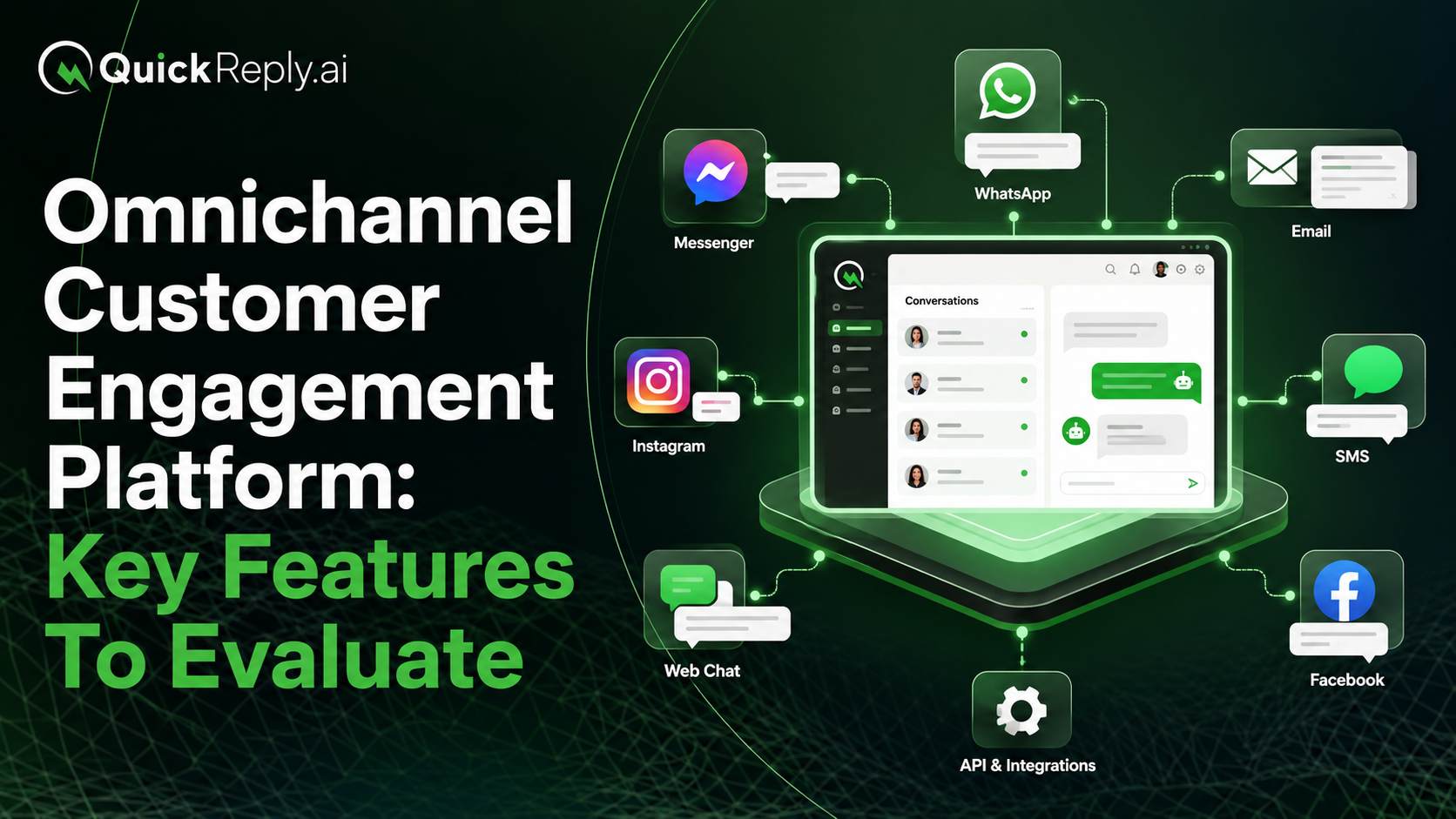
An omnichannel chatbot should do more than operate across several channels. It should maintain a connected customer experience across website chat, mobile applications, messaging platforms, social media and other supported touchpoints.

Businesses should check whether:

  • Customer information is synchronised across channels
  • Conversation history remains available
  • Customers can continue without repeating their query
  • Agents can view previous interactions from other channels
  • Responses remain consistent across different touchpoints

The objective is not merely to be present on more channels. It is to provide one continuous support experience wherever the customer chooses to communicate.

4. Workflow, Routing and Human Handover

Not every query should remain with the chatbot. The platform should support both automated resolution and timely human intervention.

Businesses should check whether it can:

  • Collect the required customer details
  • Identify and categorise the query
  • Route it to the appropriate team
  • Escalate based on urgency, intent or chatbot confidence
  • Transfer the complete conversation history
  • Allow an agent to take over without restarting the interaction

This is especially important for complaints, payment disputes, policy exceptions and sensitive conversations.

5. Customisation and Ease of Management

The chatbot should reflect the business’s communication style rather than sounding like a generic automated tool.

Teams should be able to customise:

  • Brand tone and language
  • Greetings and fallback messages
  • Conversation paths
  • Buttons and response options
  • Escalation rules
  • Frequently asked questions
  • Automated workflows

Low-code or no-code tools can make it easier for customer service teams to update chatbot flows without depending on developers for every minor change.

However, ease of configuration should not come at the cost of accuracy, governance or integration depth.

6. Security, Analytics and Administrative Controls

Businesses should understand how customer information is stored, accessed and protected.

The platform should provide:

  • Role-based access controls
  • Conversation logs
  • Performance reporting
  • Data-handling controls
  • Visibility into unanswered queries
  • Escalation and resolution tracking
  • Administrative control over chatbot changes

These capabilities are particularly important for businesses handling healthcare, financial, account-related or other sensitive customer information.

Analytics should also help teams understand why the chatbot is succeeding or failing—not merely how many conversations it has handled.

How to Measure the Success of an AI Chatbot

The success of an AI chatbot should not be measured by the number of messages it sends or the percentage of conversations it automates.

A high automation rate has limited value when customers receive incorrect answers or struggle to reach an agent.

Businesses should evaluate chatbot performance across three areas.

1. Customer Experience Metrics

These metrics show whether the chatbot is making support easier for customers:

  • First-response time
  • Average resolution time
  • Customer satisfaction after chatbot interactions
  • Repeat-contact rate for the same issue
  • Customer abandonment during the conversation

A reduction in response time is useful only when resolution quality remains stable or improves.

2. Operational Metrics

These metrics show how the chatbot affects the support team:

  • Percentage of queries resolved without agent involvement
  • Number of conversations escalated to agents
  • Average agent handling time after handover
  • Cost per resolved conversation
  • Reduction in repetitive support tickets

Businesses should monitor whether agents are receiving fewer routine queries and more complete information when a conversation is escalated.

3. Chatbot Quality Metrics

These metrics help identify limitations in the chatbot itself:

  • Fallback or unrecognised query rate
  • Percentage of incorrect or incomplete answers
  • Most frequently unresolved topics
  • Queries that repeatedly require escalation
  • Accuracy of intent detection
  • Usefulness of the information transferred to agents

Reviewing these conversations regularly helps businesses improve the chatbot’s knowledge, workflows and escalation rules.

The objective should not be to automate every customer interaction. A successful chatbot resolves suitable queries accurately, reduces unnecessary effort and transfers complex cases to human agents at the right time.

Build AI-Powered Customer Support on WhatsApp With QuickReply.ai

For many customers, WhatsApp is already the most convenient channel for contacting a business.

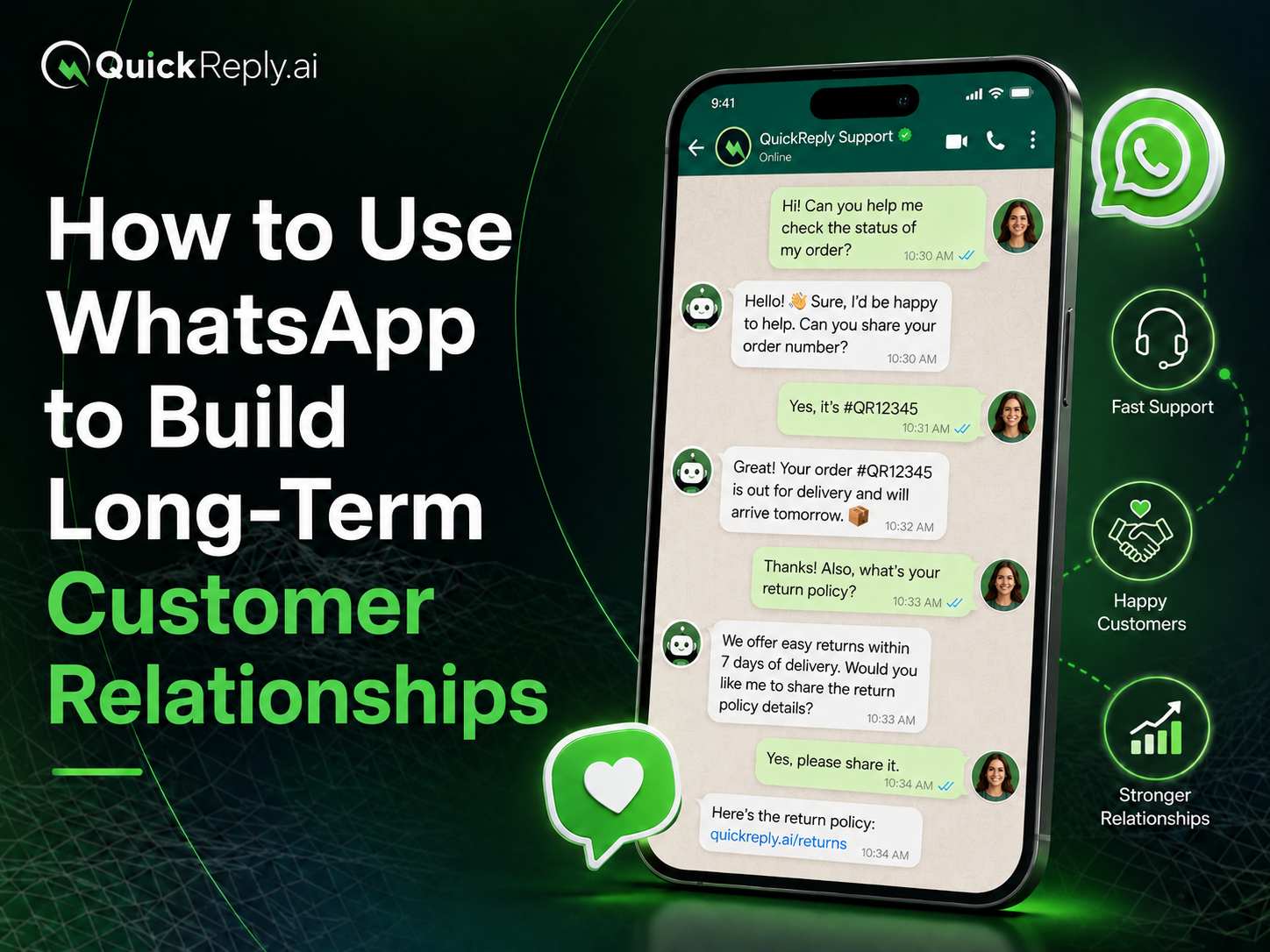
QuickReply.ai helps businesses use GenAI-powered WhatsApp chatbots to answer FAQs, manage peak-hour query volumes and transfer complex conversations to live agents. Teams can manage incoming conversations through a shared inbox while using customer information to personalise responses and route queries appropriately.

Businesses can use the platform to automate customer queries such as order updates, cancellations, tracking requests and common product questions while keeping human agents available for cases that require judgment or empathy.

Ready to make customer support faster and more scalable?

Explore how QuickReply.ai can help you automate customer queries and connect customers with the right agent on WhatsApp.

Turn 1 time visitor into repeat customer with WhatsApp marketing

Leverage the untapped growth potential of WhatsApp marketing to acquire and retain customers.

Frequently Asked Questions

What are the main benefits of AI chatbots for customer service?

AI chatbots provide faster responses, round-the-clock availability, consistent information and scalable support. They can automate repetitive queries, personalise responses using customer data and collect relevant information before transferring complex issues to human agents.

Can AI chatbots handle complex customer queries?

AI chatbots can understand more flexible and naturally written questions than basic rule-based bots. However, complex, sensitive or exceptional cases should be transferred to a qualified human agent.

Will AI chatbots replace customer service agents?

AI chatbots are better suited to supporting agents than replacing them. They can handle routine questions and information collection, allowing agents to focus on complicated issues that require judgment, negotiation or empathy.

What customer queries can be automated?

Businesses can automate queries such as product availability, pricing, order tracking, return policies, refund status, appointment reminders, document collection and frequently asked questions. The exact scope depends on the chatbot’s integrations and approved knowledge.

Can AI chatbots provide customer support on WhatsApp?

Yes. Businesses can use the WhatsApp Business Platform with a chatbot and automation solution to answer FAQs, provide order updates, collect information and transfer customers to agents. A complete setup also requires workflows, integrations, routing rules, reporting and a clear agent-handover process.