Omnichannel Customer Engagement Platform: Key Features To Evaluate

Copied to clipboard!

An omnichannel customer engagement platform helps businesses manage communication across multiple channels while providing customers with a consistent experience. However, supporting several channels does not automatically make a platform omnichannel. Those channels must share customer data, interaction history, automation rules, and journey context.

The right platform should help your teams understand each customer, coordinate communication, respond to behavior in real time, and continue conversations without losing context. This blog explains what an omnichannel customer engagement platform is, why it matters for customer journey orchestration, the key features to evaluate, and the strategies required to use it effectively.

What Is an Omnichannel Customer Engagement Platform?

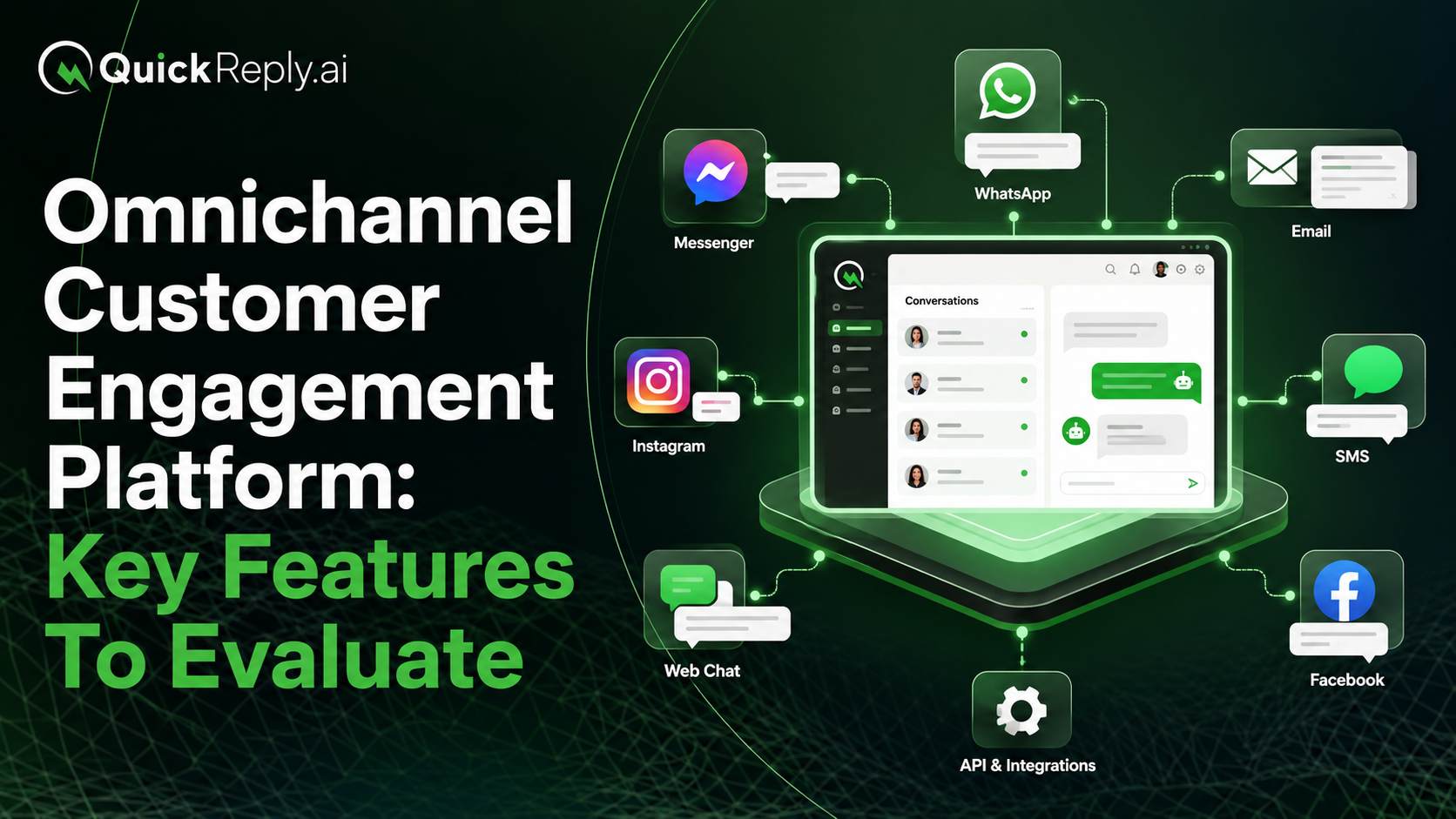
An omnichannel customer engagement platform is a centralized system that allows a business to communicate with customers across channels such as WhatsApp, email, SMS, RCS, social media, mobile applications, and web chatbots.

The platform connects these channels with shared customer profiles, automation workflows, conversation history, campaign data, and analytics. As a result, each interaction can build on what the business already knows about the customer.

This is what separates omnichannel engagement from multichannel communication.

A multichannel platform may allow a business to send messages through several channels, but each channel can still operate independently. An omnichannel platform coordinates those channels using shared identity, context, customer preferences, and communication rules.

For example, if a customer has already completed a purchase after receiving a WhatsApp reminder, the platform should prevent an email or SMS recovery message from being sent later. Similarly, when a customer moves from a chatbot to a human agent, the agent should have access to the information already collected.

The objective is not to make every channel identical. It is to ensure that all channels contribute to one connected customer experience.

Why Omnichannel Is No Longer Optional for Customer Journey Orchestration

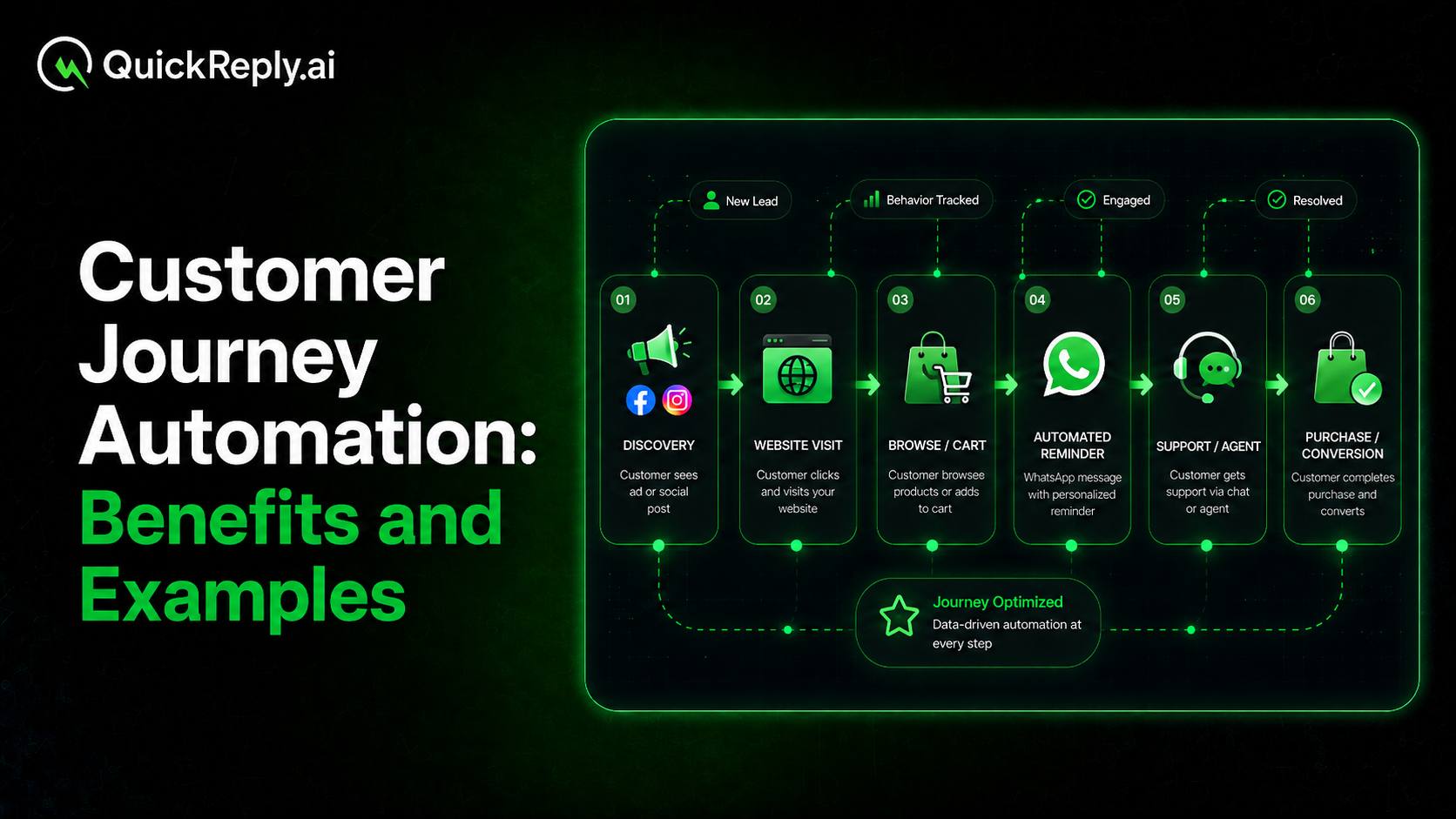
Customer journeys rarely take place through a single channel. A person may discover a business through social media, visit its website, receive a WhatsApp message, complete a transaction through a mobile application, and later contact the support team.

When channels operate through disconnected tools, businesses may struggle to connect customer interactions and maintain a complete view of the journey. Customers, however, expect every interaction to reflect their existing relationship with the same company. 

This difference creates several problems. Customers may receive repeated offers, irrelevant reminders, conflicting information, or messages for actions they have already completed. They may also need to repeat their details when they move from one channel or team to another.

Omnichannel customer engagement addresses this by connecting communication decisions across the journey. Instead of planning isolated campaigns for email, WhatsApp, SMS, RCS and other channels, businesses can decide:

  • What communication should be sent
  • Which channel is most appropriate
  • When another channel should be used
  • How the journey should change after a customer responds
  • When a conversation should be transferred to an agent
  • When should further communication stop

This process is known as customer journey orchestration. It uses customer data, behavior, channel activity, and business rules to determine the next appropriate action.

A strong orchestration system does not simply move customers through a fixed sequence. It adjusts the journey based on what each customer does. Connected customer data, cross-channel workflows, and context-aware handoffs are therefore essential parts of an omnichannel experience.

Omnichannel engagement also connects marketing, sales, and customer service. Campaign responses can become sales conversations, chatbot interactions can become agent-assisted discussions, and service outcomes can influence future marketing communication.

Without this coordination, businesses may have multiple channels but still deliver a fragmented customer journey.

Cross-channel customer journey

Key Features to Evaluate in an Omnichannel Customer Engagement Platform

Platform providers often highlight the number of channels they support. While channel availability matters, it should not be the only selection criterion.

Businesses must also examine how deeply each channel is supported, how data moves between systems, how journeys are coordinated, and whether teams can act on customer context.

The following features help determine whether a platform is genuinely capable of supporting omnichannel customer engagement.

1. Broad and Meaningful Channel Support

The platform should support the communication channels that are relevant to your customers and business model.

Common channels include:

  • WhatsApp
  • Email
  • SMS
  • RCS
  • Instagram
  • Facebook Messenger
  • Website chat
  • Mobile push notifications
  • In-app messages
  • Voice

However, displaying a channel logo on a product page does not necessarily mean the platform supports the complete customer engagement process for that channel.

Some platforms may only allow outbound notifications. Others may support campaigns but not customer replies, chatbot automation, agent conversations, or detailed delivery reporting.

Evaluate the depth of support available for every important channel. Look for capabilities such as:

  • Inbound and outbound communication
  • Promotional and transactional messages
  • One-to-one and bulk communication
  • Two-way customer conversations
  • Rich media, buttons, lists, and carousels
  • Message templates
  • Chatbot support
  • Delivery, read, reply, and failure statuses
  • Channel-specific opt-in management
  • Human agent responses
  • Fallback communication

Channel requirements will also vary by market. Email and push notifications may be central to one business, while WhatsApp, RCS, SMS, or social messaging may play a larger role for another.

You should therefore select channels based on customer preferences, geographic availability, business use cases, and the type of interaction you need to support.

2. Unified Customer Profiles and Identity Resolution

An omnichannel platform needs a unified view of every customer.

The customer profile should combine information from communication channels and connected business systems, including:

  • Name and contact details
  • Email address and phone number
  • Channel identifiers
  • Location and preferred language
  • Purchase and transaction history
  • Website and application activity
  • Campaign engagement
  • Previous conversations
  • Support interactions
  • Lead or lifecycle stage
  • Customer preferences
  • Consent status
  • Custom business attributes

The platform must also support identity resolution. This is the process of recognizing that different identifiers belong to the same customer.

For example, a website visitor, WhatsApp contact, email subscriber, Instagram user, and CRM lead may all represent one individual. Without identity resolution, the platform may create separate profiles and treat each interaction as if it came from a different person.

This results in incomplete segmentation, repeated communication, inaccurate reporting, and poor personalization.

A unified profile should update as new information becomes available. If a customer makes a purchase, changes a preference, responds to a campaign, or speaks to an agent, that activity should become available for future journeys and conversations.

When evaluating a platform, ask:

  • Which identifiers can be used to recognize a customer?
  • Can duplicate profiles be merged?
  • How quickly is profile data updated?
  • Can online and offline data be combined?
  • Can teams view campaign, conversation, and transaction history together?
  • Can profile data be synchronized with external systems?

Shared identity and customer context are fundamental differences between a multichannel setup and a coordinated omnichannel platform.

3. Cross-Channel Customer Journey Orchestration

Customer journey orchestration is one of the most important capabilities to evaluate.

The platform should allow businesses to build journeys that use multiple channels, conditions, triggers, delays, and customer actions. It should determine the next step based on what has happened in the journey rather than sending the same fixed sequence to everyone.

A journey builder should support:

  • Multiple communication channels
  • Event-based entry points
  • Time-based delays
  • Customer attribute conditions
  • Behavioral conditions
  • Decision branches
  • Channel preference rules
  • Delivery-based fallbacks
  • Conversion checks
  • Agent handoff steps
  • Suppression rules
  • Journey exit conditions
  • Re-entry restrictions

Suppose a customer abandons a checkout. The platform may first send a WhatsApp reminder. If the message is not delivered, it could use RCS or SMS as a fallback. If the customer replies with a question, the journey could assign the conversation to a sales agent. If the customer completes the purchase at any stage, all remaining recovery communication should stop.

The value of orchestration lies in these decisions. It ensures that channels do not operate independently or compete for the customer’s attention.

When reviewing a journey builder, check whether your team can:

  • Build and modify journeys without extensive engineering support
  • Use real-time customer behavior in journey decisions
  • Coordinate campaigns and conversations
  • Apply rules across multiple channels
  • Pause communication after an agent takes over
  • Stop journeys when the intended result is achieved
  • Measure performance at every stage

Platforms built for omnichannel orchestration should allow journeys to react to live behavior, customer intent, and channel activity instead of managing each channel as a separate campaign system.

4. Real-Time Behavioral Triggers

Scheduled campaigns remain useful, but they cannot address every customer situation. Many high-intent opportunities depend on responding shortly after a customer takes an action.

An omnichannel customer engagement platform should be able to capture behavioral events and use them to start, modify, or stop a journey.

Common events include:

  • Visiting a product or service page
  • Adding an item to a cart
  • Abandoning a checkout
  • Completing a purchase
  • Submitting a lead form
  • Clicking a campaign
  • Replying to a message
  • Downloading a resource
  • Booking an appointment
  • Missing an appointment
  • Making or missing a payment
  • Raising a support request
  • Completing an application
  • Becoming inactive
  • Reaching a customer value threshold

The speed at which this data becomes available is important. A cart abandonment event that reaches the platform several hours later may no longer be useful for immediate recovery.

The platform should also support custom events. Every business has activities that may not be covered by standard ecommerce or CRM events, such as completing an admission application, requesting a property visit, renewing a subscription, or submitting healthcare information.

Evaluate whether the platform can:

  • Receive events through native integrations
  • Ingest events through APIs and webhooks
  • Process events in real time
  • Use event properties in journey decisions
  • Combine several events within one condition
  • Trigger communication only when additional criteria are met
  • Remove customers from a journey after a conversion event
  • Store historical event data for segmentation

Real-time triggers make engagement more relevant because communication is based on current customer activity rather than outdated lists.

5. Dynamic Segmentation and Contextual Personalization

Segmentation determines who should receive a particular journey or campaign. Personalization determines what experience each person should receive.

A capable platform should support segments based on:

  • Demographic information
  • Geographic location
  • Purchase history
  • Product preferences
  • Browsing activity
  • Campaign engagement
  • Conversation history
  • Lead status
  • Customer lifecycle stage
  • Order frequency
  • Average order value
  • Preferred language
  • Preferred channel
  • Inactivity period
  • Customer value
  • Predicted intent or likelihood to convert

These segments should be dynamic. When a customer’s data or behavior changes, the platform should automatically add or remove that person from the appropriate segment.

For example, someone should leave a prospect segment after becoming a customer. A buyer should enter a replenishment segment only when sufficient time has passed since the previous purchase. A previously inactive customer should leave a re-engagement segment after returning.

Personalization should also go beyond adding the customer’s first name to a message.

The platform should allow businesses to personalize:

  • Message content
  • Product or service recommendations
  • Offers
  • Images
  • Language
  • Channel
  • Send time
  • Journey sequence
  • Calls to action
  • Agent routing
  • Follow-up communication

It should also define what happens when personalized data is unavailable. Fallback values and default content prevent messages from appearing incomplete or incorrect.

When evaluating personalization, check whether it works consistently across campaigns, chatbots, customer journeys, and agent conversations.

6. A Unified Inbox for Two-Way Conversations

Customer engagement does not end when a campaign is sent. Customers may reply with questions, request assistance, negotiate, submit information, or ask to speak with a person.

A unified inbox brings conversations from supported messaging channels into one workspace. This prevents agents from switching between separate applications and gives the organization a centralized view of active and historical conversations.

The inbox should provide:

  • Conversations from all connected channels
  • Clear channel identification
  • Complete message history
  • Customer profile information
  • Campaign and journey context
  • Open, pending, and closed conversation states
  • Search and filters
  • Internal notes
  • Tags and custom fields
  • Conversation ownership
  • Attachments and rich media
  • Response templates
  • The ability to reply through the original channel

A unified inbox should also help agents understand why a customer has contacted the business.

For example, an agent should be able to see whether the conversation originated from a promotional campaign, chatbot flow, abandoned-cart journey, advertisement, website form, or support request.

This context allows the agent to continue the interaction instead of restarting it.

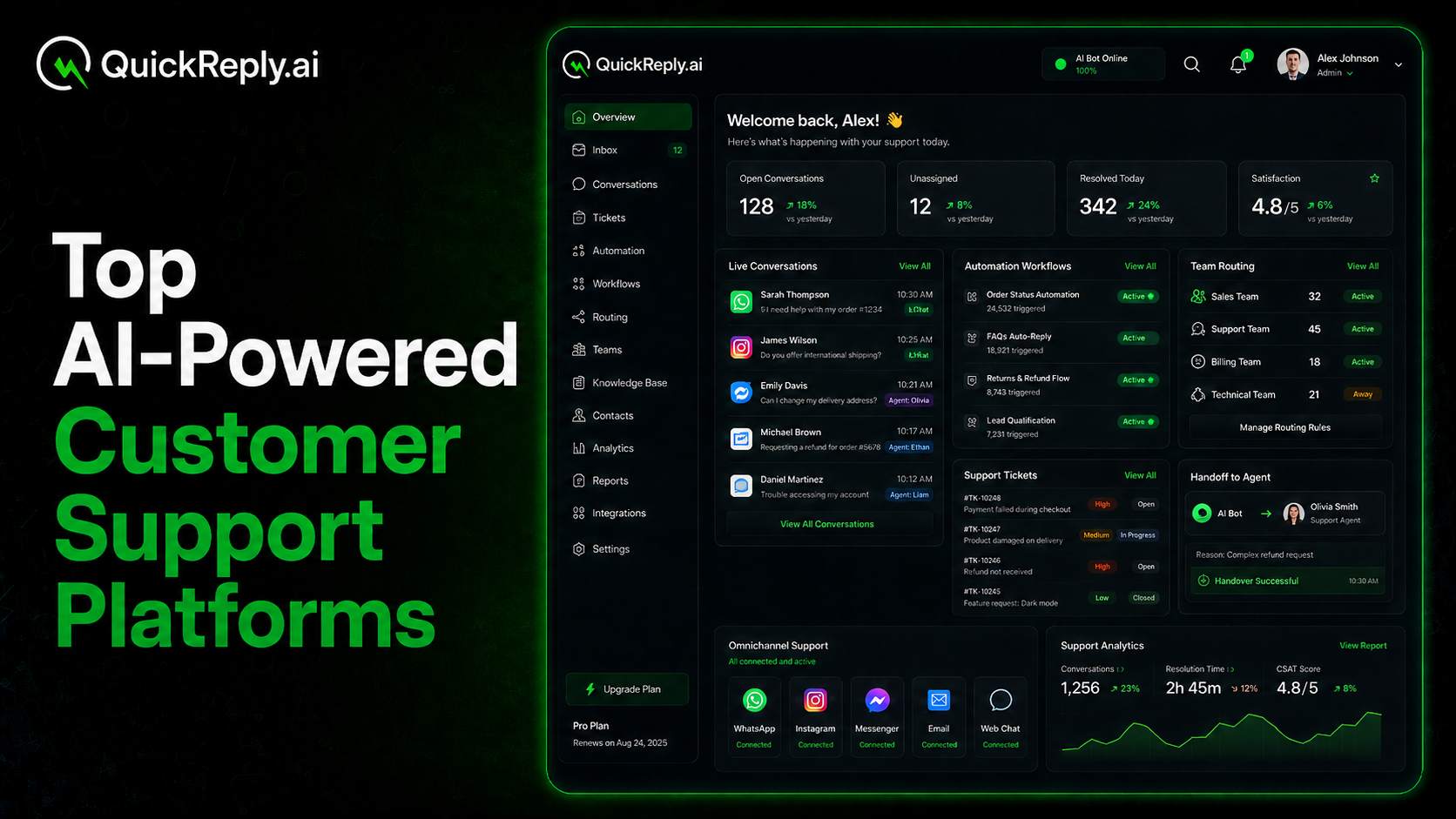
QuickReply.ai’s omnichannel inbox, for instance, brings WhatsApp, web messenger, and Instagram conversations into one workspace. Agents can see the channel source, review past messages, add internal notes, access customer information, and reply without switching tools.

7. Chatbots, AI Automation, and Human Handoff

Automation can manage repetitive interactions, collect information, qualify customers, and provide immediate responses. However, an effective omnichannel platform must also recognize when human involvement is required.

The platform should support both structured automation and AI-assisted conversations.

Structured chatbot capabilities may include:

  • Welcome flows
  • Frequently asked questions
  • Menu-based navigation
  • Lead qualification
  • Appointment booking
  • Order tracking
  • Product discovery
  • Feedback collection
  • Support triage
  • Form-like data collection

AI capabilities may include:

  • Understanding free-form customer questions
  • Retrieving answers from an approved knowledge base
  • Detecting customer intent
  • Summarizing conversations
  • Suggesting responses to agents
  • Identifying sentiment
  • Translating messages
  • Recommending the next action

Human handoff should be built into the same conversation flow. The customer should not need to start a new chat or repeat details already shared with the chatbot.

During the handoff, the agent should receive:

  • Full conversation history
  • Information collected by the bot
  • Customer profile details
  • Detected intent
  • Reason for escalation
  • Relevant order, lead, or support data

The platform should also pause automation when an agent takes control. Otherwise, the customer may receive automated and human responses at the same time.

QuickReply.ai supports chatbots across WhatsApp, Messenger, and Instagram, websites and RCS, including structured menus, lead qualification, AI responses based on business knowledge, agent reply suggestions, and human takeover within the same thread. Agents can view information already collected by the bot, while the bot pauses after takeover.

8. Intelligent Routing and Team Collaboration

A unified inbox collects conversations, but routing determines who should handle them.

The platform should be able to assign incoming conversations based on business rules such as:

  • Communication channel
  • Customer request
  • Product category
  • Lead stage
  • Customer location
  • Preferred language
  • Customer value
  • Agent skills
  • Department
  • Team availability
  • Agent workload
  • Business hours
  • Priority level

For example, sales inquiries can be routed to a sales team, order issues to customer service, and high-value opportunities to experienced agents.

Routing rules should also consider availability. Assigning a conversation to an offline or overloaded agent can delay the response even when another team member is available.

Collaboration features should include:

  • Clear conversation ownership
  • Reassignment between agents
  • Transfers between teams
  • Internal notes
  • Mentions or internal alerts
  • Tags
  • Follow-up states
  • Escalation rules
  • Service-level timers
  • Conversation outcomes or dispositions

Dispositions help teams record what happened after a conversation. Common outcomes may include qualified lead, appointment booked, issue resolved, follow-up required, purchase completed, or not interested.

This data can later support reporting, segmentation, and follow-up automation.

QuickReply.ai allows chats to be routed according to channel, topic, form responses, tags, or other business rules. Each conversation can have a clear owner and a recorded outcome, while collected fields can remain available to other teams and connected systems.

9. Integrations and Data Interoperability

An omnichannel engagement platform cannot operate effectively in isolation. It must exchange data with the systems that already manage customers, transactions, products, leads, support requests, and operations.

Relevant integrations may include:

  • Customer relationship management platforms like HubSpot, Salesforce, etc.
  • Ecommerce platforms
  • Customer data platforms
  • Help desk systems
  • Payment providers
  • Billing systems
  • Loyalty platforms
  • Appointment tools
  • Learning management systems
  • Property management systems
  • Healthcare systems
  • Analytics platforms
  • Data warehouses

The depth of an integration matters more than the existence of a connector.

A basic integration may only import names and phone numbers. A deeper integration can synchronize customer attributes, orders, products, lead stages, conversations, campaign activity, and business outcomes in both directions.

When evaluating integrations, ask:

  • Which data objects are supported?
  • Is synchronization one-way or two-way?
  • How frequently is data updated?
  • Can platform activity be written back to the CRM?
  • Can business events start or stop customer journeys?
  • Are custom fields supported?
  • Can integrations be extended through APIs?
  • Are webhooks available for real-time updates?
  • Can raw data be exported for independent analysis?

The platform should also have clear processes for handling failed synchronization, duplicate records, missing fields, and changes to connected systems.

Strong data interoperability allows the engagement platform to act on business data while keeping the original systems updated.

Strategies to Master Omnichannel Customer Engagement

Selecting a capable platform is only one part of omnichannel engagement. Businesses also need a clear operating strategy that defines how data, channels, journeys, automation, and teams will work together.

Start With Priority Customer Journeys

Do not begin by activating every available channel.

Identify the journeys that have a clear customer need and measurable business outcome. These may include:

Map the major stages, customer actions, friction points, and desired outcomes for each journey. This creates a clearer foundation for deciding which channels and platform capabilities are required.

Establish a Unified Data Foundation

Define which systems contain customer data and how that data should move into the engagement platform. Your data plan should cover:

  • Primary customer identifiers
  • Duplicate profile rules
  • Required customer attributes
  • Event definitions
  • Data ownership
  • Synchronization frequency
  • Consent records
  • Data quality checks

Poor or delayed data can weaken even a well-designed omnichannel journey.

Give Every Channel a Clear Role

Avoid sending the same message through every channel.

Use each channel according to its strengths, customer permission, urgency, content format, and stage in the journey.

For example, one channel may be used for time-sensitive updates, another for detailed educational content, and another for two-way assistance. A fallback channel should only be used when the original channel is unavailable or ineffective.

This approach creates coordination rather than message duplication.

Build Decision, Handoff, and Exit Rules

Every journey should define what happens when the customer:

  • Responds
  • Does not respond
  • Changes channels
  • Completes the intended action
  • Requests human assistance
  • Becomes ineligible
  • Withdraws consent

Clear exit rules are as important as entry rules. Continuing a journey after the customer has converted or received assistance creates unnecessary communication.

Align Marketing, Sales, and Customer Service

Omnichannel engagement often crosses departmental boundaries. Define ownership for:

  • Journey creation
  • Campaign approval
  • Incoming responses
  • Lead follow-up
  • Agent escalation
  • Customer data updates
  • Consent management
  • Performance reporting

Teams should also agree on shared customer statuses, conversation outcomes, response expectations, and escalation processes.

Measure the Complete Journey

Do not optimize channels independently without considering their contribution to the complete journey.

Track customer movement from the initial trigger to the final business outcome. Review where customers respond, switch channels, require assistance, drop out, or convert.

Use this information to improve segmentation, channel selection, timing, content, routing, and agent handoffs.

Test and Improve Continuously

Omnichannel engagement should evolve as customer behavior and business priorities change.

Regularly test:

  • Message content
  • Send time
  • Channel order
  • Journey delays
  • Segmentation criteria
  • Personalization
  • Fallback rules
  • Chatbot questions
  • Handoff points
  • Agent routing
  • Journey exit conditions

Focus on improving customer and business outcomes, not merely increasing message volume.

Build Connected Customer Engagement With QuickReply.ai

An omnichannel customer engagement platform should connect channels, customer information, automation, and human conversations within one coordinated system.

QuickReply.ai helps businesses manage messaging-led customer engagement through an omnichannel inbox that brings WhatsApp, web messenger, and Instagram conversations into one workspace. Teams can view complete conversation histories, identify the channel a customer used, add internal notes, access customer details, and reply without moving between separate tools.

Businesses can use chatbots to welcome customers, answer common questions, collect information, and qualify leads. AI can respond using approved business knowledge and assist agents with reply suggestions. When human assistance is needed, an agent can take over within the same conversation while retaining the information already collected.

QuickReply.ai also supports intelligent lead assignment, conversation ownership, tags, attributes, CRM synchronization, dispositions, and agent-performance analytics. These capabilities help marketing, sales, and service teams manage customer conversations with greater context and clearer accountability.

By bringing customer conversations and automation together, QuickReply.ai helps businesses create more connected journeys without requiring teams to manage every channel through a separate system.

Book a demo to explore how QuickReply.ai can support your omnichannel customer engagement strategy.

Turn 1 time visitor into repeat customer with WhatsApp marketing

Leverage the untapped growth potential of WhatsApp marketing to acquire and retain customers.

Frequently Asked Questions

What is an omnichannel customer engagement platform?

An omnichannel customer engagement platform is a system that connects customer communication across multiple channels using shared customer profiles, automation, conversation history, and analytics. It helps businesses coordinate interactions so that each channel contributes to one connected customer journey.

What are the most important features of an omnichannel engagement platform?

Important features include meaningful channel support, unified customer profiles, identity resolution, journey orchestration, real-time triggers, dynamic segmentation, personalization, a unified inbox, chatbot automation, human handoff, intelligent routing, integrations, analytics, consent management, and scalability.

The exact priorities will depend on the business model, customer journey, geographic market, and channels customers prefer.

What is the difference between multichannel and omnichannel engagement?

Multichannel engagement means that a business communicates through several channels. However, those channels may operate independently.

Omnichannel engagement connects those channels through shared customer data, journey logic, communication rules, and interaction history. This allows the experience to continue when a customer moves from one channel to another.

Why is a unified customer profile important?

A unified profile gives the business one consolidated view of the customer across channels and connected systems.

It helps prevent duplicate communication, improves segmentation, supports personalization, gives agents better context, and enables journeys to respond to recent customer activity.

What is customer journey orchestration?

Customer journey orchestration is the process of deciding the next appropriate interaction based on customer data, behavior, channel activity, and business rules.

It can determine which message to send, when to send it, which channel to use, when to transfer the interaction to an agent, and when to end the journey.

Which channels should an omnichannel platform support?

The platform should support the channels your customers use and your business can manage effectively. These may include WhatsApp, email, SMS, RCS, Instagram, Facebook Messenger, website chat, mobile push notifications, in-app messaging, and voice.

Businesses should evaluate the depth of support for each channel rather than selecting a platform only because it lists many channels.

How does AI support omnichannel customer engagement?

AI can help answer customer questions, recognize intent, retrieve information from a knowledge base, personalize content, summarize conversations, suggest replies, detect sentiment, and recommend the next action.

AI should complement human assistance. The platform should provide a clear handoff process when a customer needs an agent.

How should businesses measure omnichannel engagement?

Businesses should measure the complete journey rather than only reviewing the performance of individual messages.

Relevant metrics may include delivery, replies, conversions, revenue, qualified leads, appointments, journey completion, customer drop-off, channel fallback, agent response time, resolution time, and customer retention.