How to set up automated customer support using WhatsApp API

Copied to clipboard!

Customer support has quietly shifted over the last few years. People don’t want to wait for email responses or stay on hold for support; they expect quick, real-time responses, often on platforms they already use daily. Customer support is no longer about just resolving issues; it’s about how quickly and how seamlessly you do it.

For many small and medium businesses, this creates a challenge. As customer queries grow, handling every message manually becomes time-consuming, inconsistent, and difficult to scale. Support teams end up spending most of their time answering repetitive questions, leaving little room to focus on more critical issues.

At the same time, WhatsApp has emerged as one of the most preferred communication channels globally, with more than 2 billion users relying on it for everyday conversations. From checking order updates to resolving service issues, customers are increasingly turning to WhatsApp for fast and convenient support.

This is where an automated customer support system starts to make a real impact.

With the WhatsApp API, businesses can automate responses to common queries, provide instant assistance, and ensure conversations are routed to the right team when human intervention is needed. It enables a more structured approach to customer support automation, where speed and consistency improve without compromising on the quality of support.

Instead of overwhelming support teams, automated customer service and support allow businesses to handle high volumes of queries efficiently while still delivering a seamless customer experience. 

In this blog, we’ll walk through how you can set up an automated customer support service using WhatsApp API so you can reduce support load, respond faster, and create a system that scales with your business.

How WhatsApp API Enables Customer Support Automation

How WhatsApp API Enables Customer Support Automation

WhatsApp API is not just a communication tool; it acts as the backbone of a scalable, automated customer support system.

Instead of handling every conversation manually, businesses can use the API to design structured workflows where different types of queries are handled differently. Routine questions can be answered instantly, while more complex issues are automatically directed to the right support agents.

This is what makes customer support automation on WhatsApp effective in real-world scenarios.

With the right setup, businesses can:

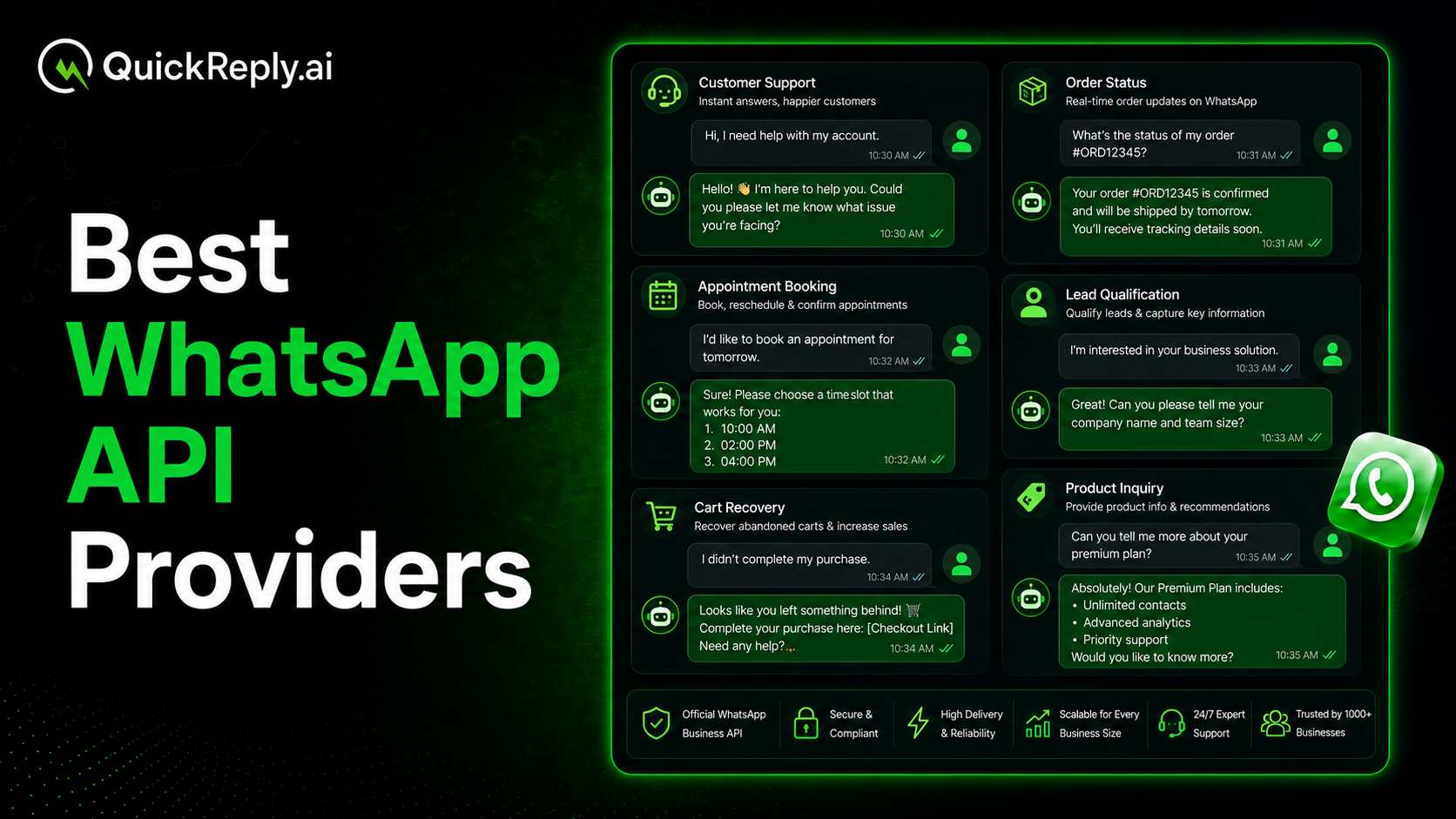
  • Automate responses to frequently asked questions like order status, pricing, or service details
  • Use chatbots to guide users through predefined flows or collect initial information, and can even be used for abandoned cart recovery
  • Route conversations based on intent, urgency, or customer type
  • Provide rich responses using images, documents, buttons, and quick replies
  • Ensure seamless handover to human agents when required

What sets this apart from basic messaging is the ability to combine automation with context. Every interaction can be part of a larger automated customer service and support workflow, connected to CRMs, support tools, or internal systems.

For example, a customer asking about an order update can receive an instant automated reply. But if the query involves a delay or complaint, the system can escalate it to a support agent with all relevant details already in place. This reduces back-and-forth and improves resolution time.

Another key advantage is consistency. With an automated customer support service, responses are standardized, accurate, and available 24/7. This not only improves customer experience but also reduces dependency on team availability for repetitive tasks.

In practice, WhatsApp API allows businesses to move from reactive support to a more proactive and structured approach where speed, efficiency, and personalization work together without overwhelming the support team.

Benefits of Automating Customer Support on WhatsApp

Benefits of Automating Customer Support on WhatsApp

Setting up an automated customer support system on WhatsApp is not just about convenience; it directly impacts how efficiently a business can handle customer interactions at scale.

As query volumes grow, automation helps bring structure, speed, and consistency to support operations without increasing team workload.

Here are some of the key benefits:

1. Faster Response Times

Customers expect quick replies, especially when they need it. With customer support automation, common queries can be answered instantly without making customers wait for an agent.

For example, an e-commerce business can automatically respond to “Where is my order?” queries by pulling real-time tracking details, instead of having a support agent check and reply each time manually.

2. 24/7 Customer Availability

An automated customer support service works round the clock. Customers don’t have to wait for business hours to get answers to basic questions.

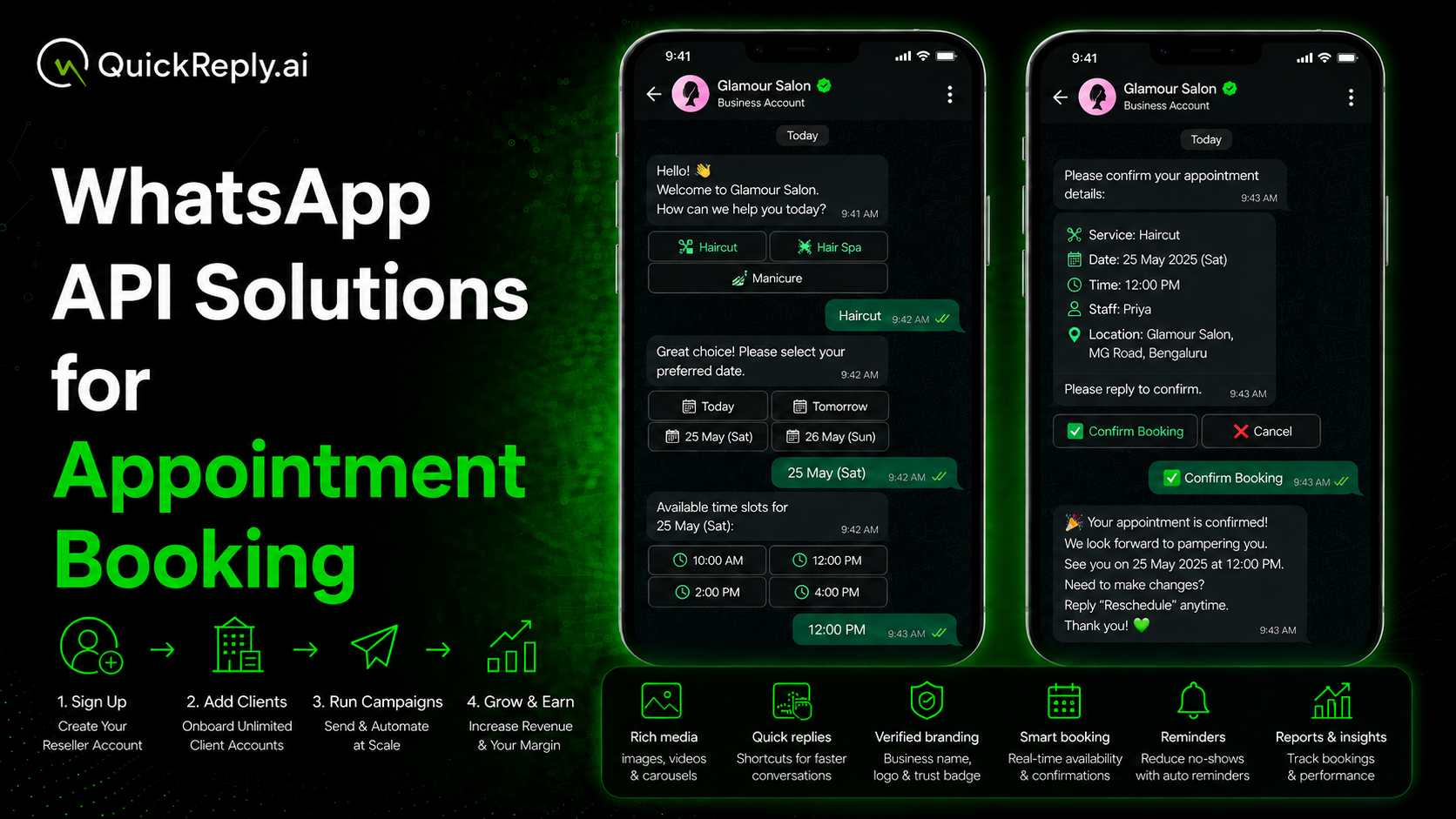
For instance, a clinic or service-based business can instantly share appointment availability or booking details even late at night without requiring staff to be online.

3. Reduced Workload for Support Teams

A large portion of customer queries are repetitive, such as order status, pricing, availability, or basic troubleshooting.

With automated customer service and support, these can be handled without human involvement.
For example, a D2C brand receiving hundreds of daily queries about return policies can automate these responses, freeing up the team to handle escalations or unhappy customers.

4. Consistent and Error-Free Responses

Manual replies often vary depending on the agent or situation. An automated customer support system ensures that every response is accurate and aligned with business policies.

For example, instead of different agents explaining refund timelines differently, automation ensures every customer receives the same clear and correct information.

5. Better Query Routing and Resolution

Automation is not just about replying; it’s about directing conversations efficiently.

A customer raising a complaint can be automatically routed to the support team, while a pricing query can be handled instantly by the system. This makes customer service automation more structured and reduces unnecessary back-and-forth.

6. Rich Media Support for Better Issue Resolution

WhatsApp goes beyond plain text, allowing businesses to share images, videos, documents, and even voice notes.

This makes support more effective. For example, instead of explaining troubleshooting steps in text, a business can send a short video or guide, making it easier for customers to understand and resolve issues quickly.

 7. Scalable Support Without Increasing Costs

As businesses grow, support queries increase. Scaling a team to match that demand can be expensive. An automated customer support service helps handle higher volumes efficiently without the need for frequent hiring or rising operational costs.

For example, during a sale or product launch, when queries spike, automation can handle the surge without overwhelming the team.

Prerequisites Before Setting Up WhatsApp API

Before building an automated customer support system on WhatsApp, there are a few foundational elements you need to have in place.

It ensures that the setup process is smooth and that your customer support automation works effectively from day one.

1. A Verified Facebook Business Account

To access the WhatsApp Business API, businesses need to be registered and verified on Meta.

This verification confirms that your business is legitimate and allows you to use WhatsApp for official communication. Without this step, API access and advanced features won’t be available.

2. A Dedicated Phone Number

You’ll need a phone number that is not already linked to a WhatsApp account.

This number will be used for your automated customer support service, so it should ideally be dedicated to business communication. It also helps maintain consistency and avoids confusion for customers.

3. Defined Support Use-Cases

Before setting up automation, it’s important to identify what you actually want to automate.

Start by listing:

  • Frequently asked questions
  • Common customer journeys (order tracking, booking, support requests)
  • Scenarios that require human intervention

This clarity helps in designing a more effective automated customer service and support flow, instead of automating everything blindly.

4. Basic Workflow or Chat Flow Planning

Automation works best when it follows a clear structure.

Even a simple flow like greeting - query selection - response - escalation can significantly improve how queries are handled. Planning these flows in advance ensures your automated customer support system feels intuitive and not confusing.

5. Integration Readiness

If your business already uses tools like CRM systems, helpdesks, or order management platforms, integrating them with WhatsApp can unlock more value.

For example, connecting your order system allows automated replies to pull real-time data, making your customer support automation more accurate and useful.

Having these prerequisites in place ensures that when you start building your automated support service, you’re not just setting up a tool; you're creating a system that is structured, scalable, and aligned with your business needs.

Step-by-Step Guide to Set Up Automated Customer Support Using WhatsApp API

Step-by-step setup process

Once the prerequisites are in place, the next step is to actually build your automated customer support system on WhatsApp.

Step 1: Get WhatsApp API Access

Apply for API access. This usually involves:

  • Verifying your business
  • Registering your phone number
  • Getting approval from WhatsApp

After approval, your business account becomes ready to support customer service automation at scale.

Step 2: Set Up Basic Messaging Structure

Before jumping into automation, it’s important to define how conversations will start. This includes:

  • Greeting or welcome messages
  • Menu options (if using button-based flows)
  • Default replies for common queries

This step lays the foundation for your automated customer support system and ensures customers know how to interact with your business.

Step 3: Build Automation Flows for Common Queries

Now comes the core of customer support automation. Identify repetitive queries and create workflows around them. For example:

  • Order tracking
  • Appointment booking
  • Product or pricing inquiries
  • Return or refund policies

These flows can be handled using chatbots or rule-based automation, allowing your automated customer support service to respond instantly without human involvement.

Step 5: Set Up Query Routing and Escalation

Not all queries should be automated. It’s important to define when a conversation should be passed to a human agent. For example:

  • Complaints or negative feedback
  • Complex service issues
  • Requests that require manual verification

A well-designed automated customer service and support system ensures smooth handover, so customers don’t feel stuck in a loop.

Step 6: Integrate with Existing Systems

To make automation more powerful, connect WhatsApp with your internal tools. For instance:

  • CRM systems for customer data
  • Order management systems for real-time updates
  • Helpdesk tools for ticket tracking

This allows you to provide accurate and context-aware responses instead of generic replies.

Step 7: Test, Optimize, and Go Live

Before making your system live, test every flow thoroughly. Check:

  • If responses are accurate
  • If routing works correctly
  • If escalation is smooth

Once everything is working as expected, you can go live and start handling real customer queries through your automated customer support system.

Setting up WhatsApp automation is not a one-time task. As customer behavior evolves, your workflows should be updated and optimized regularly to keep the experience smooth and relevant.

Common Mistakes to Avoid

Common mistake to avoid when implementing WhatsApp API Automation

While setting up an automated customer support system, many businesses focus on automation but overlook the experience. This often leads to ineffective or frustrating interactions. Here are some common mistakes to avoid:

1. Over-Automating Everything

Not every query should be handled by automation.

Trying to automate complex or sensitive issues can lead to poor experiences. A good automated customer support service knows where to stop and involve a human agent.

2. No Clear Escalation Path

One of the biggest frustrations for users is getting stuck in a loop.

If your customer support automation doesn’t provide a clear way to reach a human, it can lead to dissatisfaction and drop-offs.

3. Complicated Chat Flows

Too many options or unclear navigation can confuse users.

An effective automated customer support system should feel simple and intuitive, not overwhelming.

4. Ignoring Real User Behavior

Many businesses design flows based on assumptions rather than actual queries. Without analyzing customer interactions, your automated customer service and support may fail to address real needs.

5. Lack of Regular Updates

Customer queries evolve over time. If your automation flows are not updated regularly, your automated customer support can quickly become outdated and less effective.

Avoiding these mistakes ensures your automation improves support instead of complicating it.

QuickReply.ai: Best Tool for WhatsApp Automation

Customer support is no longer just a backend function; it’s a key part of the overall customer experience. With increasing expectations for speed and convenience, businesses need systems that can handle scale without compromising on quality. 

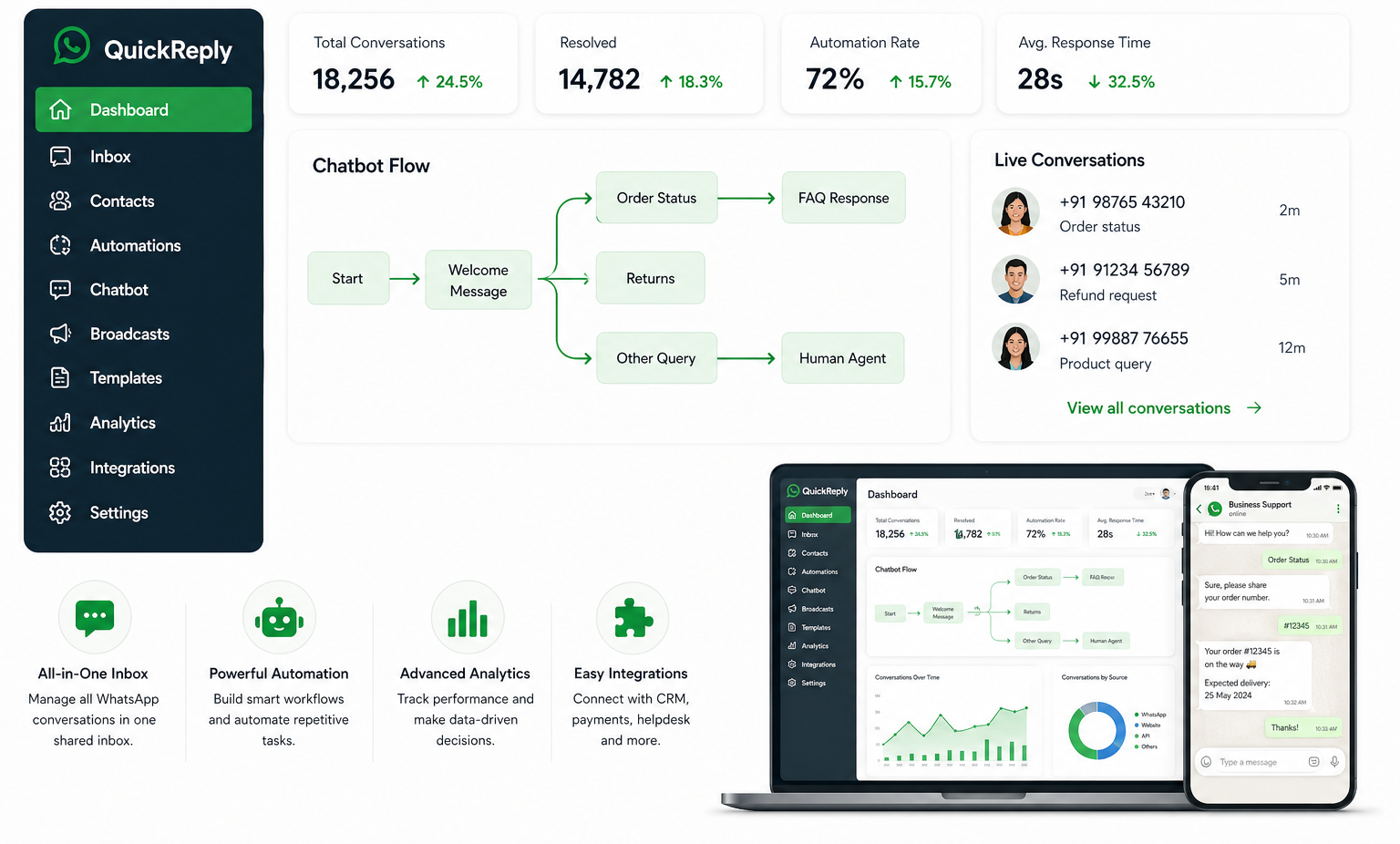
To build an effective automated customer support system, choosing the right tools is just as important as designing the workflows. Since the WhatsApp API doesn’t come with a native interface, businesses rely on platforms that simplify setup, automation, and integration.

When evaluating tools for customer support automation, look for:

  • Ease of use: A simple interface to build and manage workflows
  • Automation capabilities: Support for chatbots, workflows, and routing
  • Integration options: Ability to connect with CRM, helpdesk, or internal systems
  • Multi-agent support: For teams handling customer queries together
  • Analytics and reporting: To track performance and improve flows

For businesses looking to implement WhatsApp automation without dealing with technical complexities can explore platforms like Quickreply.ai for a practical solution. It enables companies to set up and manage an automated customer support system on WhatsApp with features like chatbot workflows, multi-agent support, and seamless API integrations.

Turn 1 time visitor into repeat customer with WhatsApp marketing

Leverage the untapped growth potential of WhatsApp marketing to acquire and retain customers.

Frequently Asked Questions

What is an automated customer support system on WhatsApp?

An automated customer support system on WhatsApp uses the WhatsApp Business API along with chatbots and workflows to automatically handle customer queries, provide instant responses, and route conversations to the right support agents when needed.

How does WhatsApp API help in customer support automation?

The WhatsApp API allows businesses to automate repetitive customer interactions such as order tracking, appointment booking, FAQs, and support requests. It also supports chatbot integration, query routing, and CRM connectivity for a more efficient support process.

Do I need coding knowledge to set up WhatsApp automation?

Not necessarily. Many WhatsApp Business Solution Providers offer no-code or low-code platforms that allow businesses to create automation workflows, chatbots, and support systems without extensive technical expertise.

Can automated customer support replace human agents completely?

No. Automation is best used for handling repetitive and common queries. Complex issues, complaints, or sensitive conversations should still be escalated to human support agents for better resolution.

Is WhatsApp API free to use?

No. The WhatsApp Business API typically involves conversation-based pricing from Meta along with platform fees charged by the Business Solution Provider you choose.