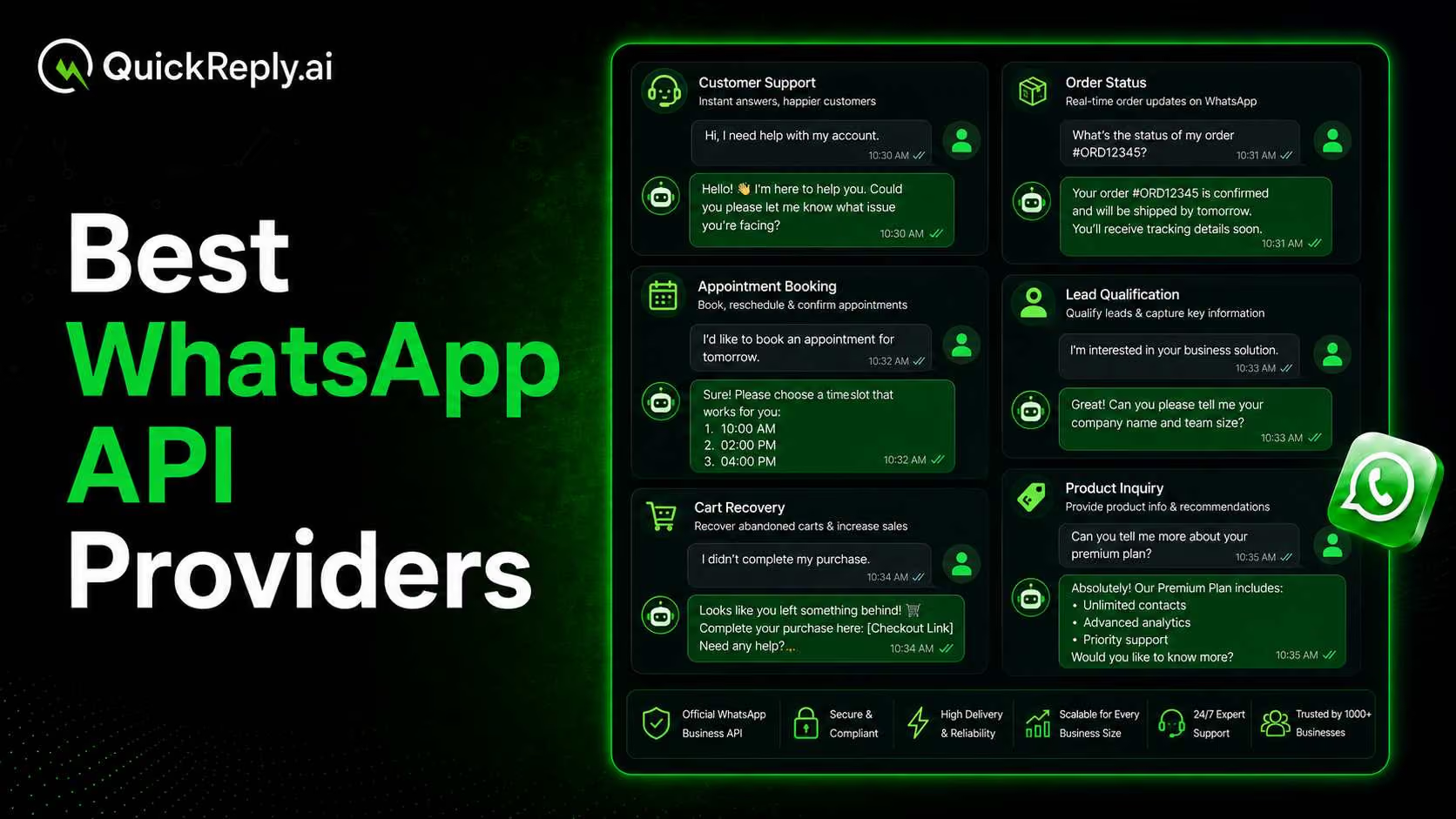
Which Companies Offer WhatsApp API Solutions For Appointment Booking?

Copied to clipboard!

Appointment booking sounds simple until your team has to manage it manually every day.

A clinic may get patient inquiries after working hours. An education counsellor may receive leads from Instagram ads, website forms, and WhatsApp at the same time. A salon, real estate business, consultant, or car showroom may have interested customers asking for available slots, prices, locations, and confirmations throughout the day.

When all of this is handled manually, things start slipping. Replies get delayed. Customers drop off. Appointments are missed. Reminders are forgotten. CRM records are not updated properly. And your team spends too much time coordinating slots instead of focusing on actual conversations.

This is where WhatsApp API solutions for appointment booking become useful.

With the right platform, businesses can automate appointment inquiries, collect customer details, confirm slots, send reminders, allow rescheduling, and update CRM records, all through WhatsApp and connected channels.

In this blog, we compare six companies that offer WhatsApp API solutions for appointment booking: QuickReply.ai, Infobip, Twilio, Wati, AiSensy, and Gallabox. We will look at what each tool helps with, who it is best suited for, and how to choose the right solution for your business.

Quick Comparison: WhatsApp API Solutions For Appointment Booking

The right WhatsApp API solution depends on what kind of appointment journey you want to build.

Some platforms are better for sending appointment reminders. Some are stronger for developer-led API workflows. Others are better suited for businesses that want a ready-to-use appointment booking journey with chatbot automation, CRM updates, agent handover, and omnichannel reach.

Here is a quick comparison of the six tools.

Tool What it helps with CRM/calendar integration Omnichannel support Setup type Best fit
QuickReply.ai Appointment booking, reminders, chatbot journeys, CRM-connected follow-ups, RCS/SMS fallback, agent handover, and omnichannel customer journeys Yes WhatsApp, RCS, SMS, Instagram, Messenger, and Website No-code/low-code with support Service-led businesses that want full appointment journey automation across multiple customer touchpoints
Infobip WhatsApp appointment booking, reminders, chatbot automation, live-agent support, CRM sync, and enterprise communication workflows Yes Broad omnichannel communication platform with channels such as WhatsApp, SMS, email, and RCS Enterprise setup Medium and large businesses that need appointment booking as part of a larger customer communication platform
Twilio Custom appointment reminder workflows, WhatsApp messaging, SMS, email, voice, and API-based communication automation Yes, through APIs and custom integrations SMS, WhatsApp, email, voice, and other programmable communication channels Developer-led Engineering-first teams that want to build highly custom appointment reminder and booking workflows
Wati WhatsApp Business API, no-code chatbot flows, AI-assisted conversations, team inbox, payment links, and booking-related workflows Yes Primarily WhatsApp-led, with support for Instagram and Facebook Messenger features No-code/low-code SMBs that want WhatsApp-first automation for sales, support, bookings, and payments
AiSensy WhatsApp appointment booking, healthcare and salon automation, reminders, AI chatbots, WhatsApp forms, and live chat Yes Primarily WhatsApp-led No-code/low-code Healthcare providers, salons, spas, and local service businesses looking for WhatsApp-led booking automation
Gallabox WhatsApp appointment booking, confirmation, rescheduling, chatbot automation, Click-to-WhatsApp ads, and CRM/calendar integrations Yes WhatsApp and Instagram automation No-code/low-code SMB sales and service teams that want WhatsApp automation connected with existing tools

How WhatsApp API Is Effective for Appointment Booking

WhatsApp API makes appointment booking easier because it brings the entire booking conversation to a channel customers already use.

Instead of asking customers to call, wait for a reply, fill out a long form, or coordinate slots manually, businesses can guide them through the booking process directly on WhatsApp.

For example, a customer can start a chat from a website button, an Instagram ad, or a WhatsApp link. The chatbot can ask what service they are interested in, collect their name and location, show available slots, confirm the appointment, and send the details to the team.

This helps businesses in a few important ways.

  • First, inquiries can be captured instantly. If someone reaches out after working hours, the conversation does not have to wait until the next morning. The booking flow can begin automatically.
  • Second, it reduces manual back-and-forth. Customers do not need to exchange multiple messages with the team just to find a suitable time. They can select options, share details, and confirm the appointment in a guided flow.
  • Third, WhatsApp API can send automatic reminders before the appointment. This is especially useful for clinics, counselling calls, salon bookings, property visits, test drives, and consultation-based businesses where missed appointments can directly affect revenue.
  • Fourth, customers can be given simple options to confirm, reschedule, or cancel. This makes the process easier for them and helps the business manage its calendar better.
  • Finally, the WhatsApp API becomes even more valuable when it is connected with CRM and calendar systems. Every appointment can be stored with customer details, source of inquiry, appointment status, assigned agent, and follow-up action. This gives the business a clearer view of the full customer journey.

In short, the WhatsApp API is effective for appointment booking because it does more than send messages. It helps businesses capture inquiries, automate booking steps, reduce no-shows, keep teams updated, and create a smoother experience for customers.

Who Should Use WhatsApp API for Appointment Booking? Industry Use Cases and Examples

WhatsApp API appointment booking can work well for any business where customers need to speak to someone, select a time slot, visit a location, attend a consultation, or schedule a service before making a decision.

It is especially useful for service-led businesses that receive a high volume of inquiries from ads, websites, calls, WhatsApp, Instagram, referrals, or offline campaigns. Instead of handling every inquiry manually, these businesses can use WhatsApp API to capture leads, qualify intent, book appointments, send reminders, and trigger follow-ups automatically.

Here are some common industries where WhatsApp API appointment booking can be useful.

1. Healthcare and Clinics

Clinics, hospitals, diagnostic labs, dental clinics, dermatology clinics, and wellness centers can use WhatsApp API to manage patient appointments more efficiently.

A patient can inquire about a consultation, choose a doctor or service, select a preferred date and time, receive appointment confirmation, and get reminders before the visit. If the patient cannot make it, they can be given an option to reschedule or cancel directly from WhatsApp.

Example workflow:

Suppose a patient inquired about an appointment on the official WhatsApp channel of the clinic/hospital

Patient initiates request on WhatsApp→ select doctor/service based on availability→ book available slot → receive appointment confirmation message on WhatsApp→ reminder for appoinment→ reschedule or follow-up if needed.

2. Education and Counselling

Education counsellors, coaching institutes, study abroad consultants, and edtech teams often receive leads from ads, webinars, website forms, and WhatsApp.

With WhatsApp API, they can qualify leads, collect course or country preferences, book counselling sessions, send reminders before the call, and follow up after the session. It also helps counsellors keep track of where each student is in the admission or enrolment journey.

Example workflow:

Suppose an educational institute runs a CTWA (Click to WhatsApp Ad) on Instagram, and the interested person clicks on that ad, they will directly land on the official WhatsApp Chatbot of that institute, where they can fill in their details and get updates on WhatsApp.

CTWA Ad directs the lead to WhatsApp → course interest captured on WhatsApp → counselling slot booked → reminder sent → counsellor follows up after the session.

3. Salons, Spas, and Wellness Businesses

Salons, spas, aesthetic clinics, fitness studios, and wellness brands can use WhatsApp API to let customers book services, choose preferred slots, select staff members, and receive reminders.

It can also be used after the appointment for rebooking campaigns, membership reminders, package renewals, and post-visit follow-ups.

Example workflow:

Customer received WhatsApp broadcast message from Salon→  Customer selects service → chooses preferred date and time → appointment confirmed → reminder sent → rebooking or renewal message triggered for no-show on WhatsApp

4. Real Estate Businesses

For real estate teams, the WhatsApp API can help automate site visit bookings and reduce lead leakage.

A lead can ask about a property, share their budget and location preference, book a visit, receive a reminder, and get connected with the right sales agent. This helps the team respond faster to high-intent buyers and track every visit properly.

Example workflow:

Suppose a lead clicks on the WhatsApp Widget present on the website and lands on the WhatsApp mobile app to fill in more details:

Lead shares property interest on WhatsApp widget→ WhatsApp chat opens with follow-up questions, they share their budget and preferred location→ their site visit is booked→ agent assigned → a reminder message is sent a day before the scheduled visit → post-visit follow-up triggered.

5. Automotive and Car Showrooms

Car dealerships and service centers can use WhatsApp API for test drive bookings, service appointments, vehicle inquiries, and follow-ups.

For example, a customer may click on an Instagram ad for a new car model and land on WhatsApp. The chatbot can collect the customer’s preferred model, location, and suitable test drive time. The sales team can then follow up with full context.

Example workflow:

Lead clicks test-drive ad (CTWA)→ confirms vehicle model and preferred location → receives test drive booking confirmation message → reminder sent on WhatsApp→ sales consultant follows up.

6. Consulting and Professional Services

Consultants, financial advisors, legal advisors, coaches, agencies, and other professional service providers can use WhatsApp API to schedule discovery calls, paid consultations, demos, and follow-up sessions.

This is useful when the business wants to reduce scheduling delays and keep every lead or client interaction properly tracked.

Example workflow:

Lead books discovery call on website → they receive confirmation on WhatsApp→ reminder shared before the call → call completed → follow-up or no-show recovery journey triggers on WhatsApp.

Overall, WhatsApp API appointment booking is most useful for businesses where speed, reminders, follow-ups, and customer context directly affect conversions.

What to Look for in a WhatsApp API Appointment Booking Solution

Not every WhatsApp API provider is built the same way. Some platforms are better for sending reminders, some are better for developer-led API workflows, and some are built to manage the complete appointment journey from inquiry to follow-up.

Before choosing a tool, businesses should look at a few important things.

1. Appointment Booking Automation

The platform should help customers book appointments without depending on manual replies from the team.

A good setup should be able to collect details such as the customer’s name, service requirement, preferred date, preferred time, location, and any other information needed before confirming the appointment.

This is especially useful for clinics, counselling teams, salons, real estate businesses, car showrooms, and consultants, where teams often spend a lot of time coordinating slots manually.

2. Reminder Automation

Appointment reminders are one of the most important parts of the journey.

The tool should allow businesses to send reminders before the appointment, such as 24 hours before, 2 hours before, or any other custom interval. These reminders can help reduce no-shows and keep customers informed without manual follow-up.

For example, a clinic can remind a patient about an upcoming consultation, while a car showroom can remind a lead about a scheduled test drive.

3. Confirm, Reschedule, and Cancel Options

A reminder should not only inform the customer. It should also let the customer take action.

The best appointment booking flows allow customers to confirm, reschedule, or cancel the appointment directly from the message. This makes the experience easier for the customer and helps the business keep its calendar updated.

4. CRM and Calendar Integration

Appointment booking becomes much more useful when it is connected with CRM and calendar tools.

When a customer books an appointment, the system should ideally update the CRM with the customer’s details, appointment status, lead source, selected service, assigned agent, and next follow-up action.

This helps the team avoid scattered data and gives them a clear view of the customer journey.

5. Chatbot and Human Handover

A good WhatsApp appointment booking solution should support automation, but it should not force every conversation to stay automated.

For simple bookings, a chatbot can guide the customer through fixed options. But for complex questions, pricing doubts, special requests, or high-value leads, the conversation should be handed over to a human agent.

This balance is important because appointment booking often involves both speed and trust.

6. Omnichannel Support and Fallback

WhatsApp is a powerful channel, but businesses should not depend on only one channel for every customer interaction.

If a WhatsApp message fails, stays unread, or is not the best channel for a specific use case, the platform should support other options such as RCS or SMS. SMS can be useful for OTPs and urgent reminders, while RCS can work as a richer fallback channel for supported devices.

For modern appointment-led businesses, the customer journey may also start from Instagram, Messenger, a website widget, or an ad campaign. That is why omnichannel support matters. It helps businesses capture leads from different touchpoints and continue the appointment journey on the most effective channel.

7. Analytics and Follow-Up Automation

The platform should also help businesses understand what happens after an appointment flow starts.

Useful metrics may include how many inquiries were captured, how many appointments were booked, how many customers confirmed, how many rescheduled, how many did not show up, and how many converted after the appointment.

Follow-up automation is also important. If someone misses an appointment, cancels, or does not confirm, the business should be able to trigger a recovery or rebooking journey automatically.

In short, the right WhatsApp API appointment booking solution should not only send messages. It should help businesses manage the full journey, inquiry capture, qualification, booking, reminders, rescheduling, CRM updates, fallback delivery, agent handover, and follow-up.

6 Best WhatsApp API Appointment Booking Tools

Here are the detailed comparison of the top six WhatsApp API appointment booking tools:

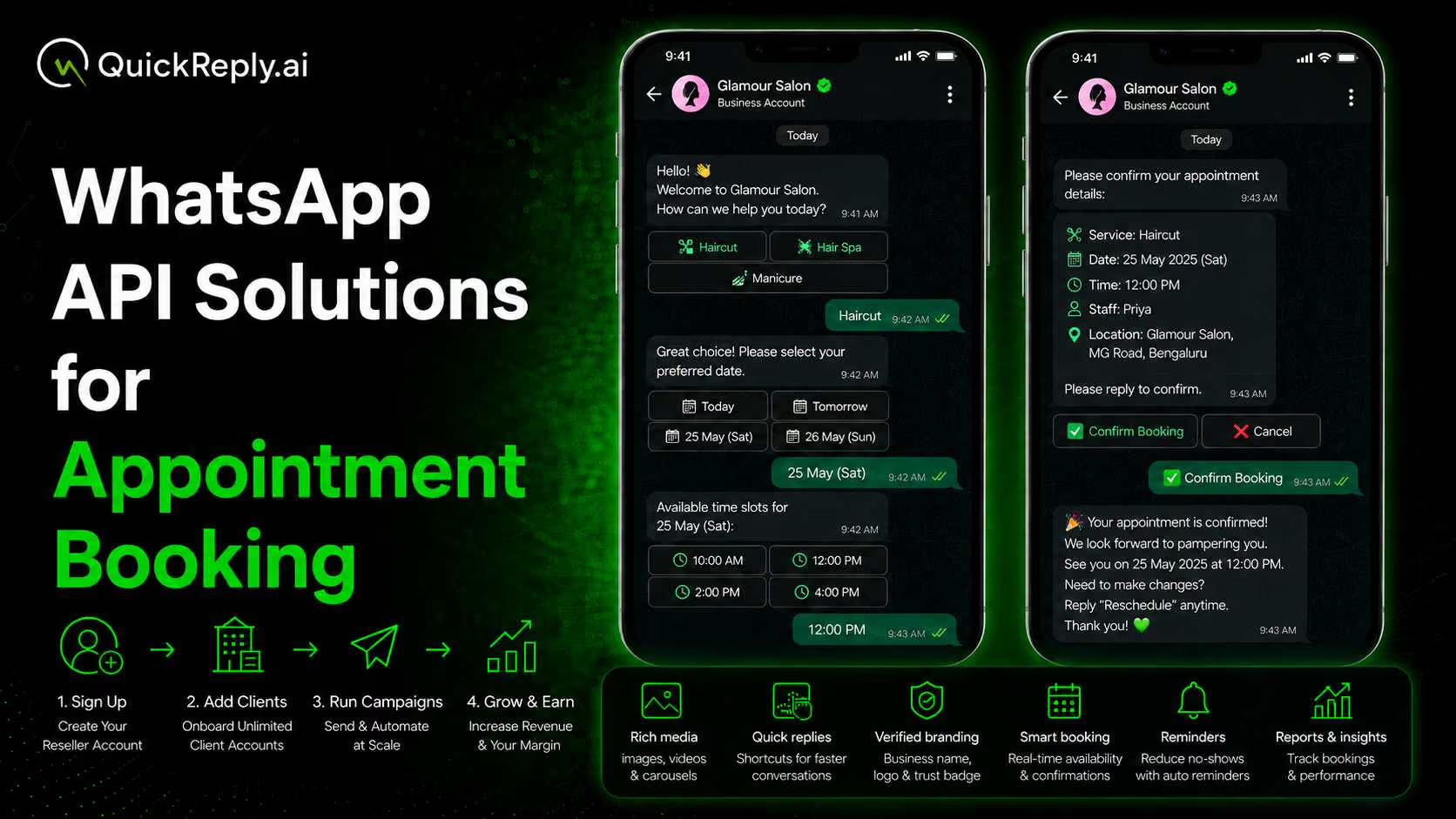
1. QuickReply.ai

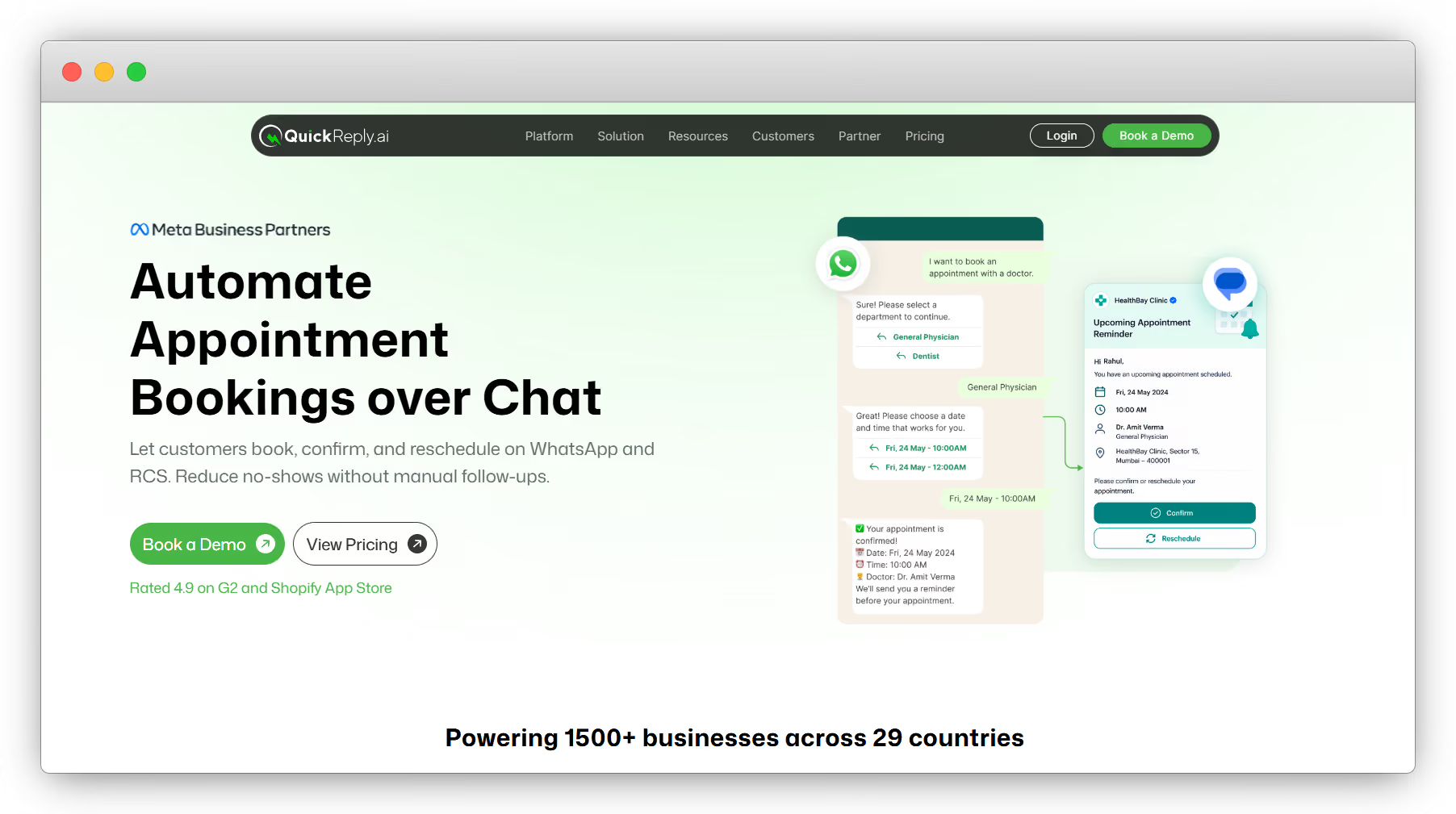
QuickReply.ai for WhatsApp API Appointment Booking

QuickReply.ai is a good fit for service-led businesses that want to manage appointment booking as part of a larger customer journey, not just as a standalone reminder message.

Its appointment booking solution allows customers to book, confirm, and reschedule appointments over WhatsApp and RCS. Businesses can trigger booking flows when a customer messages them, show available slots through quick-reply buttons or WhatsApp forms, auto-capture details such as name, service type, date, and time, and send reminders before the appointment. QuickReply.ai also supports confirm and reschedule buttons inside reminders.

Where QuickReply.ai becomes especially relevant is for businesses that receive leads from multiple touchpoints. A lead may come from an Instagram ad, website widget, Messenger conversation, WhatsApp chat, or SMS campaign. QuickReply.ai supports channels such as WhatsApp, Instagram, Messenger, SMS, RCS, and Website, which makes it useful for teams that want to connect these touchpoints into one journey.

For example, a car showroom can run an Instagram ad for test drive bookings. Once a user clicks the ad, the booking journey can continue on WhatsApp. The chatbot can collect the customer’s preferred model, location, and time slot, while the team receives the lead context for follow-up.

QuickReply.ai also supports different chatbot use cases. A rule-based chatbot can guide users through fixed options such as service type, location, date, and time. A Gen AI chatbot can help answer more open-ended customer questions before moving the user into the right booking flow.

QuickReply.ai supports 80+ integrations, including tools such as Razorpay, Salesforce, Zapier, and other CRM, payment, and workflow systems. This helps businesses connect appointment booking with lead management, payment collection, CRM updates, campaign automation, and follow-up journeys. 

Best fit: Healthcare clinics, education counselling teams, real estate businesses, salons, consultants, car showrooms, and other businesses that want appointment booking connected with omnichannel engagement, reminders, CRM workflows, and agent handover.

2. Infobip

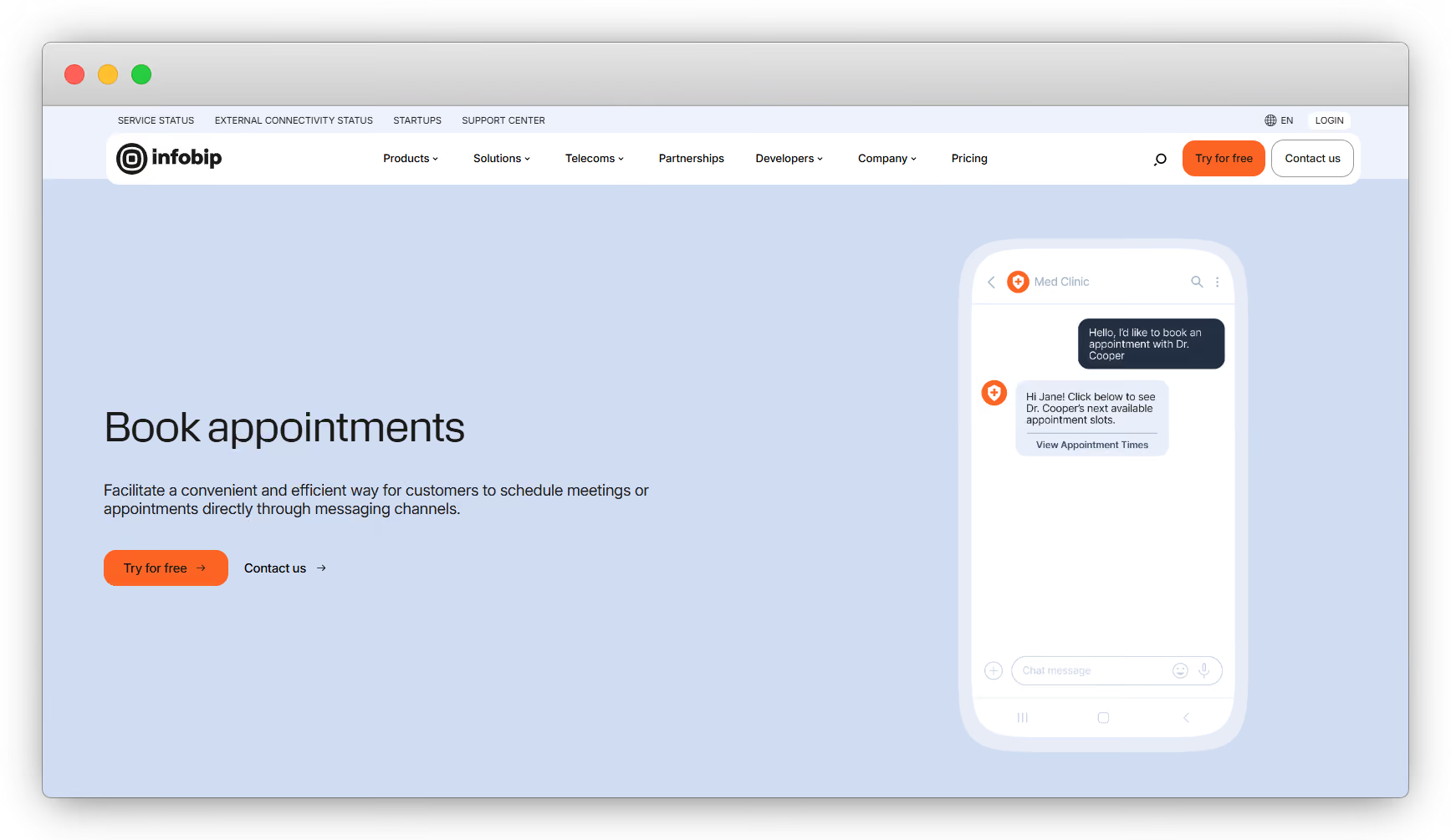
Infobip for WhatsApp API Appointment Booking

Infobip is a good option for medium and large businesses that want WhatsApp appointment booking as part of a broader enterprise communication setup.

Its WhatsApp appointment booking solution supports booking, rescheduling, and cancellation through chatbot or live-agent conversations. Infobip also mentions CRM or customer data platform integration, automated templates for confirmations and reminders, and large-scale scheduling through the WhatsApp Business Platform.

Infobip is especially relevant for businesses that want more than WhatsApp alone. Its appointment booking page talks about using WhatsApp Flows, list messages, and interactive reply buttons to help customers choose services, select time slots, confirm appointments, or reschedule with one tap.

This makes Infobip suitable for businesses that need enterprise-grade communication workflows, multi-agent support, automation, CRM sync, and broader customer engagement capabilities.

Best fit: Enterprises and larger businesses that need appointment booking within a scalable customer communication platform.

3. Twilio

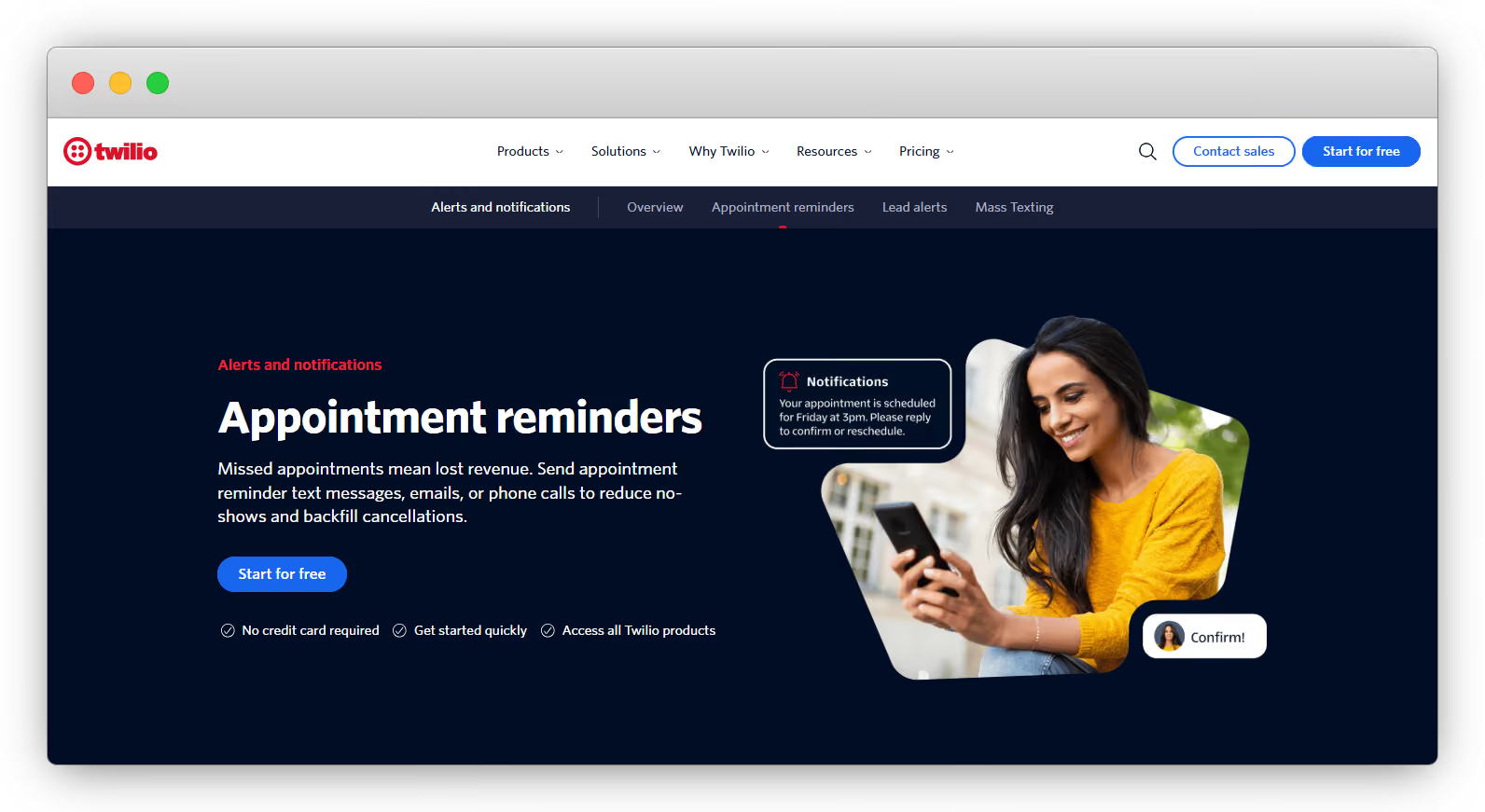
Twilio for WhatsApp API Appointment Booking

Twilio is best suited for developer-led teams that want to build custom appointment reminder or booking workflows using APIs.

Twilio’s appointment reminder solution supports reminders across SMS, MMS, WhatsApp, email, and voice. It also supports two-way conversational texting, which can be used for appointment confirmation and rescheduling.

The main difference with Twilio is setup style. It is highly flexible, but it usually works best when a business has technical resources to connect appointment databases, CRM systems, scheduling tools, and messaging workflows. Twilio’s documentation also covers building appointment reminder flows through APIs and Twilio Studio.

This makes Twilio powerful for companies that want to design their own appointment logic instead of using a more packaged appointment automation platform.

Best fit: Engineering-first businesses that want full control over appointment reminders, messaging logic, CRM integrations, and custom workflows.

4. Wati

Wati uickReply.ai for WhatsApp API Appointment Booking

Wati is a WhatsApp-first platform for businesses that want automation, chatbots, team inbox, campaigns, and customer conversations in one place.

It offers no-code chatbots, team inbox, WhatsApp Flows, webhooks, AI features, CRM integrations, payment links, ticketing, analytics, and high-volume messaging.

For appointment booking specifically, Wati’s Astra (AI agent) can trigger calendar bookings and payment links directly inside WhatsApp using API actions and webhooks. It can also qualify intent during the conversation, which is useful when appointment booking is part of a sales or service journey.

Wati can work well for businesses that want WhatsApp-first automation with AI-assisted conversations and operational workflows such as booking, payments, and CRM updates.

Best fit: SMBs and growing businesses that want WhatsApp-led automation for sales, support, appointment booking, and payments.

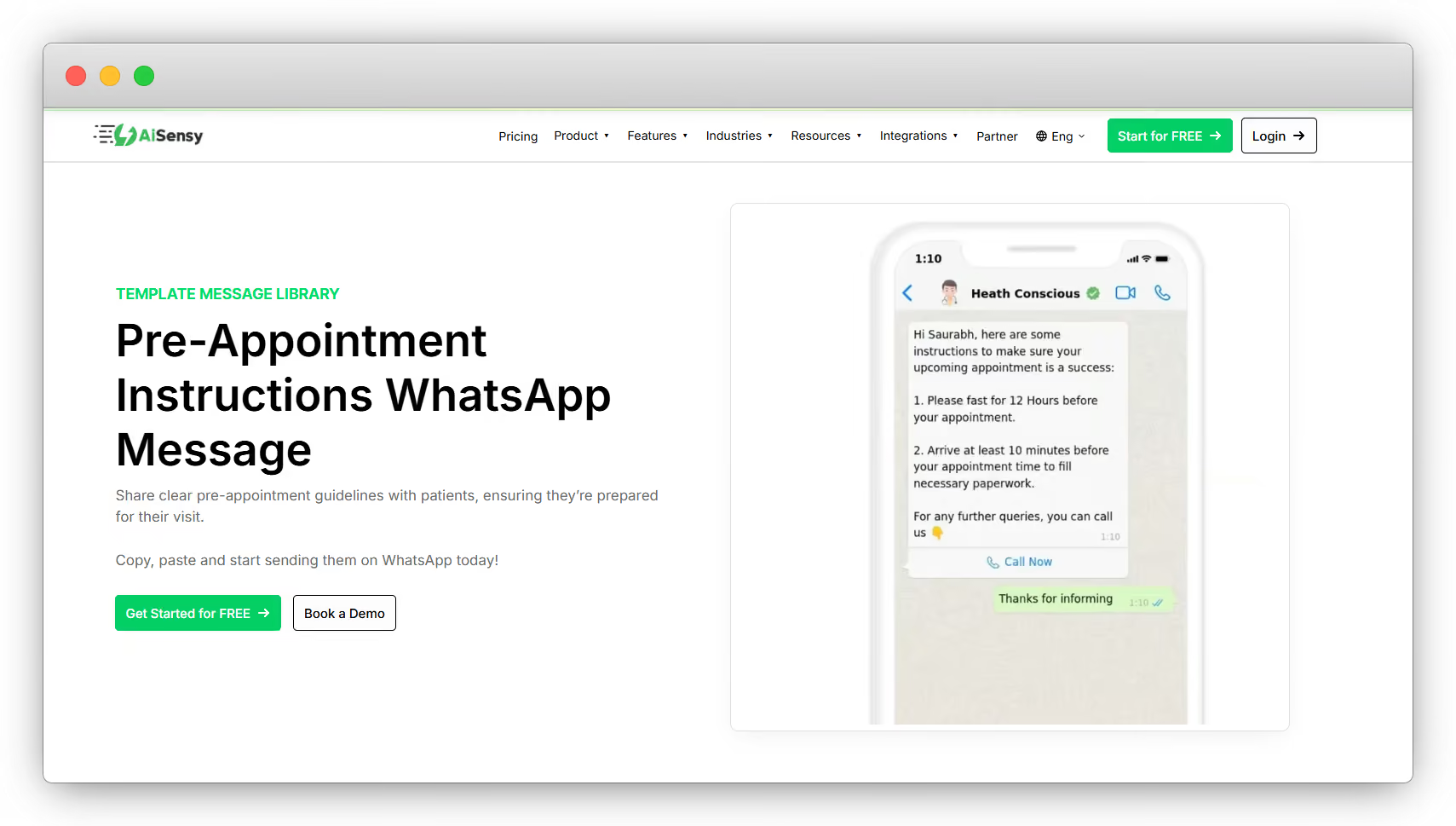
5. AiSensy

AiSensy for WhatsApp API Appointment Booking

AiSensy can be a practical option for businesses that want to manage appointment conversations mainly through WhatsApp.

The platform has a clear focus on industries such as healthcare, salons, spas, and local service businesses, where appointment reminders and quick customer responses matter a lot. For example, a clinic can use WhatsApp to remind patients about upcoming consultations, while a salon can allow customers to confirm or reschedule their booking without calling the front desk.

For businesses that receive frequent appointment inquiries but do not want to manage every conversation manually, AiSensy can help automate common steps such as booking reminders, confirmation messages, rescheduling prompts, and follow-up communication.

It is best suited for teams that want a WhatsApp-first setup for appointment coordination, customer reminders, and basic automation around service bookings.

Best fit: Healthcare providers, salons, spas, clinics, and local service businesses that want WhatsApp-led booking and reminder automation.

6. Gallabox

Gallabo for WhatsApp API Appointment Booking

Gallabox is another WhatsApp automation platform that can help businesses manage appointment-related conversations through chatbots, workflows, and integrations.

It can be useful for teams that want customers to book, confirm, or reschedule appointments on WhatsApp while also connecting those conversations with tools such as CRM, calendar, payment, or spreadsheet systems. This is important for service businesses because appointment data should not stay only inside chat. It should also reflect in the systems used by sales, support, or operations teams.

For example, a clinic, consultant, or service business can use Gallabox to guide customers through appointment-related conversations, send reminders, and keep the team updated through integrations with tools such as Zoho CRM, Google Calendar, Calendly, Zapier, Razorpay, and Google Sheets.

Best fit: SMB sales and service teams that want WhatsApp appointment automation with chatbot flows, CRM/calendar integrations, and connected business workflows.

Why CRM Integration Matters for Appointment Booking

Appointment booking should not end when a customer confirms a slot. For most service-led businesses, the appointment is only one step in a longer customer journey.

A patient may need follow-up reminders. A student may need counselling and admission updates. A real estate lead may need site visit tracking. A car buyer may need test drive reminders, quotations, and sales follow-ups.

This is why CRM integration matters.

When WhatsApp appointment booking is connected with a CRM, important details such as customer name, phone number, inquiry source, service interest, appointment date, status, assigned agent, and follow-up stage can be updated automatically.

Without this, teams often end up managing appointments across WhatsApp chats, spreadsheets, calendars, call notes, and agent memory. This makes it harder to know which leads are active, which appointments were missed, and which customers need follow-up.

A CRM-connected flow can work like this:

Lead clicks an ad → starts a WhatsApp chat → chatbot qualifies the inquiry → appointment is booked → CRM is updated → agent gets full context → reminder or follow-up journey is triggered.

This helps teams reduce manual work, avoid missed follow-ups, segment customers better, and give agents the right context before every conversation.

Omnichannel Appointment Journeys: Why WhatsApp Alone May Not Be Enough

WhatsApp is a strong channel for appointment booking, but the customer journey often starts somewhere else.

A lead may come from an Instagram ad, website widget, Messenger conversation, SMS campaign, or offline campaign. If these channels are managed separately, the booking experience becomes fragmented and agents lose context.

An omnichannel appointment journey connects these touchpoints into one flow. For example, a customer may click an Instagram ad, enter a WhatsApp booking flow, choose a slot, receive reminders on WhatsApp or RCS, and get urgent OTPs or updates through SMS.

Fallback messaging is also useful for important reminders. If a WhatsApp message is not delivered or remains unread, businesses can use RCS or SMS to improve the chances of reaching the customer on time.

For appointment-led businesses, this means fewer missed conversations, better follow-ups, and a clearer customer view for agents. WhatsApp may be the main booking channel, but when it is connected with RCS, SMS, Instagram, Messenger, Website, CRM, chatbot automation, and agent handover, it becomes part of a much stronger customer journey.

Ready to Turn Appointment Inquiries Into Confirmed Bookings?

The best appointment booking solution should do more than send reminders. It should help your business capture inquiries, qualify leads, book slots, send reminders, support rescheduling, update CRM records, and give agents full context when human follow-up is needed.

That is where QuickReply.ai becomes a strong choice.

QuickReply.ai helps businesses build connected appointment journeys across WhatsApp, RCS, SMS, Instagram, Messenger, and Website. Customers can book, confirm, and reschedule appointments through guided flows, while businesses can automate reminders, use fallback channels, and manage follow-ups more efficiently.

For healthcare clinics, education counselling teams, real estate businesses, salons, consultants, car showrooms, and other appointment-led businesses, QuickReply.ai helps turn high-intent inquiries into confirmed appointments faster.

Book a Demo with QuickReply.ai to see how your business can automate appointment booking, reminders, rescheduling, and follow-ups across multiple customer touchpoints.

Turn 1 time visitor into repeat customer with WhatsApp marketing

Leverage the untapped growth potential of WhatsApp marketing to acquire and retain customers.

Frequently Asked Questions

What is WhatsApp API appointment booking?

WhatsApp API appointment booking allows businesses to let customers book, confirm, reschedule, or cancel appointments through automated WhatsApp conversations. It can be used for clinics, counselling sessions, salon bookings, property visits, test drives, consultations, and other service appointments.

How does WhatsApp API help with appointment booking?

WhatsApp API helps businesses automate the booking process. It can capture inquiries, collect customer details, show available slots, confirm appointments, send reminders, allow rescheduling, and update internal systems such as CRM or calendar tools.

Can customers book appointments directly on WhatsApp?

Yes. With the right WhatsApp API solution, customers can book appointments directly inside WhatsApp using chatbot flows, buttons, lists, forms, or guided conversations.

Can WhatsApp API send appointment reminders?

Yes. Businesses can use WhatsApp API to send automatic appointment reminders before the scheduled time. These reminders can include appointment date, time, location, and options to confirm or reschedule.

Can WhatsApp API reduce appointment no-shows?

Yes, it can help reduce no-shows by sending timely reminders and giving customers an easy way to confirm, reschedule, or cancel. This is useful for clinics, salons, education counselling, test drives, real estate site visits, and consulting calls.

Can customers reschedule appointments on WhatsApp?

Yes. Many WhatsApp API appointment booking solutions allow customers to reschedule by selecting a new slot directly from the WhatsApp conversation or reminder message.

Can WhatsApp appointment booking integrate with CRM?

Yes. A CRM-integrated appointment booking setup can automatically update customer details, lead source, appointment status, assigned agent, service interest, and follow-up stage. This helps teams track the full customer journey more clearly.

Which industries can use WhatsApp API for appointment booking?

WhatsApp API appointment booking is useful for healthcare, education, salons, spas, real estate, automotive, consulting, financial services, legal advisory, home services, and other service-led businesses.

Is WhatsApp API useful for clinics and hospitals?

Yes. Clinics and hospitals can use WhatsApp API to automate patient appointment booking, reminders, follow-ups, rescheduling, diagnostic test bookings, and post-consultation communication.

What is the difference between WhatsApp Business App and WhatsApp API for appointment booking?

The WhatsApp Business App is better for small teams handling conversations manually. WhatsApp API is better for businesses that need automation, multiple agents, CRM integration, chatbot flows, reminders, and appointment booking at scale.